How did Apple cut launch time by 30% in iOS 27?

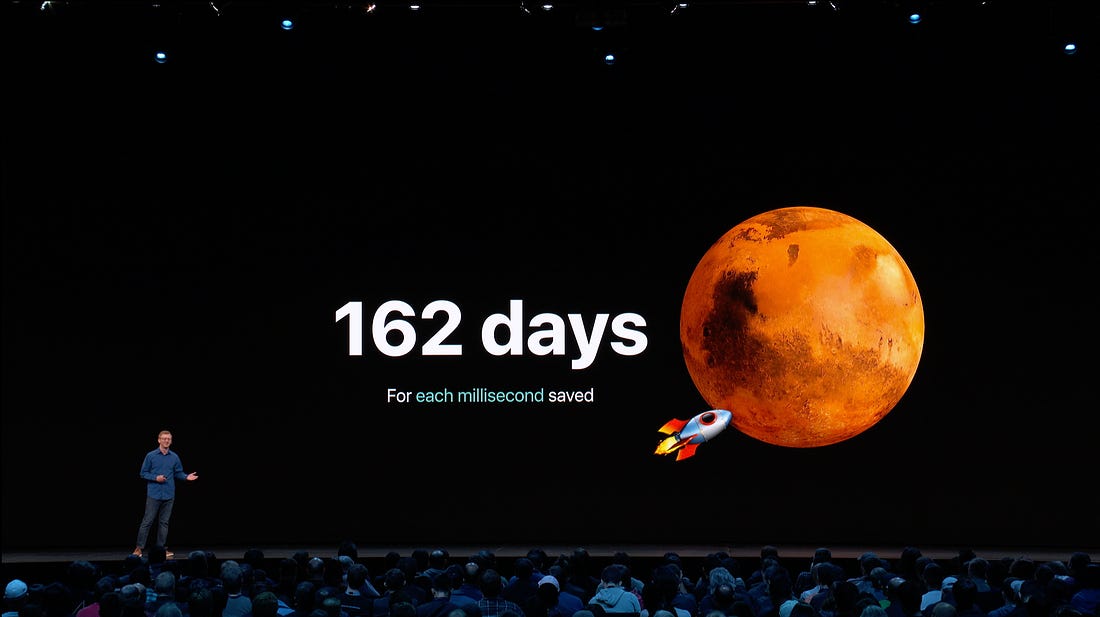
Launch time is the most impactful metric you never optimise. Say you’re WhatsApp. You have a kajillion daily active users, except in America for some reason. They may be warm-launching your app 10x a day. More. A launch speed of 0.5 seconds, times 10, times a kajillion, means even a 1% improvement probably saves a few lifetimes’ worth. I haven’t checked my maths, and I’m not going to. Apple, helpfully, checked theirs. At WWDC19’s Optimizing App Launch session, they computed across billions of daily launches: shaving just 1ms off launch saves just about enough time each day to send a rocket to Mars.
Apple had a “Snow Leopard” year this WWDC. Less flashy features, less UI overhauls nobody asked for, more cold platform optimisations. They claimed to have added a 30% boost to app launch times in iOS 27. I’ve chatted to you before about optimising launch time on a legacy app, and tracing launch performance in production. What I haven’t done is go all the way down. So today that’s what we’ll do:
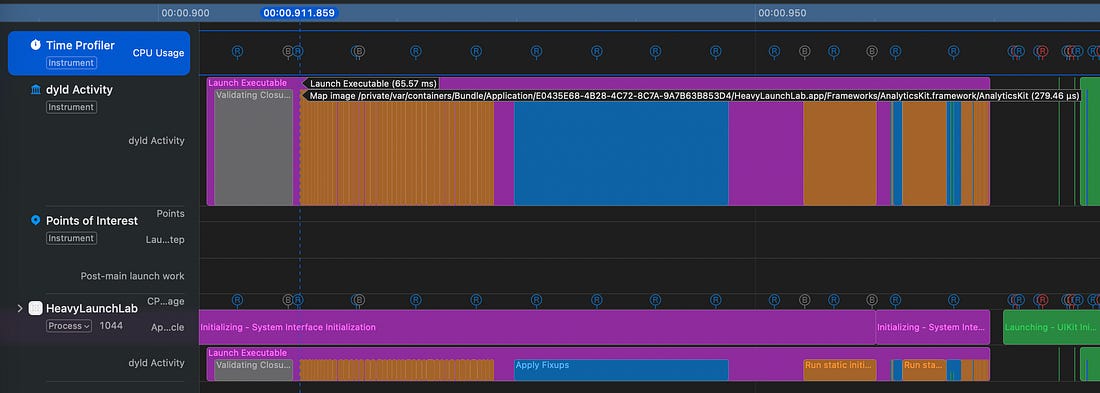
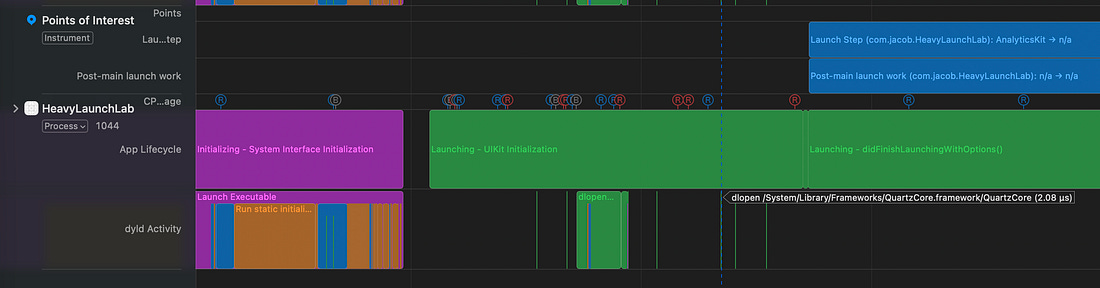
This article is so packed with knowledge, your email client will cut it off. Click here to read on my website. Launch TheoryFlavours of LaunchThere are three kinds of launch: 🐢 A cold launch is what you think of as a “launch”. The app process doesn’t exist, your binary is sitting in storage. WWDC2016 explains that cold launches mostly only happen the first launch after install or restart. This is your first impression, though, so you probably want to worry about this. 🐇 A warm launch spawns a fresh process, but iOS caches binary memory pages aggressively in the kernel file cache, and dyld still holds onto a precomputed launch plan. tl;dr: the data is closer to where it needs to be. 🐅 There is no “hot launch”. It’s just a resume, foregrounding a backgrounded or suspended app that is already alive in process memory. Launch PhasesThere are 2 phases of launch to understand, based on when the main() function is called in your app process. Knowing about pre-main launch steps is a great way to get ahead when your job interviewer is a jerk. First the kernel maps your Mach-O executable into process memory. Dyld, the dynamic linker, loads up the dynamic frameworks needed by your app, including your own code, third-party dependencies, and system frameworks like Foundation, UIKit, and Swift. Address Space Layout Randomisation (ASLR) is a critical protection against memory corruption exploits, randomising the memory address of many of these frameworks in process memory at launch. Therefore dyld applies “fixups” to write symbol references to real memory addresses. The Swift runtime sets up type metadata, protocol conformances, and generics. Finally, some of your own code might run: static initialisers and Objective-C load() methods. This is a ton of work, but we will shortly see it visible in our instruments traces. Nobody’s giving you a job for knowing about post-main. If you’re into CLIs, or hardcore (like me), you might have your own explicit main() method. UIApplicationMain creates the app object, sets up the run loop, the app delegate, and ultimately calls application(_:willFinishLaunchingWithOptions:). You know the rest, and if you don’t, my blog has a lot of solid iOS content. Launch ends when your first frame renders. Optimising this side is standard engineering: profile, parallelise, and minimise the amount of work on the critical path before the user gets what they’re looking for. Reading the Launch TraceThe App Launch instrument gives a cool visual overview of the theory above.
Post-main, we can also see UIKit initialisation, didFinishLaunchingWithOptions, UIScene creation, then the declaration of victory: Foreground — Active*.
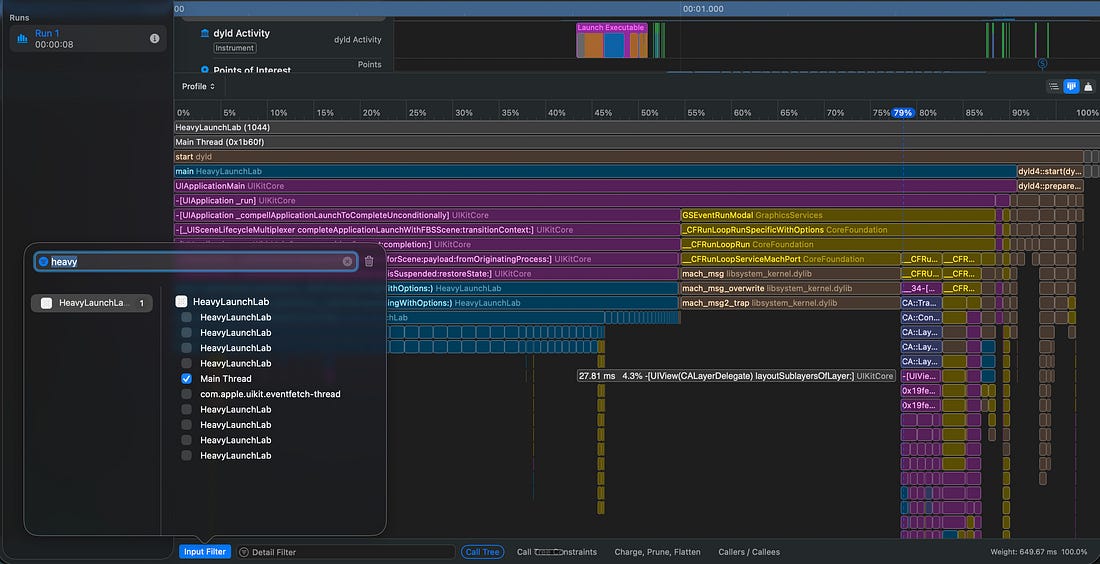
Xcode 27 adds a cool flamegraph. On the Time Profile, hit the little blue button in the top-right, filter by your process, filter to the main thread, and you’ll see something like this:
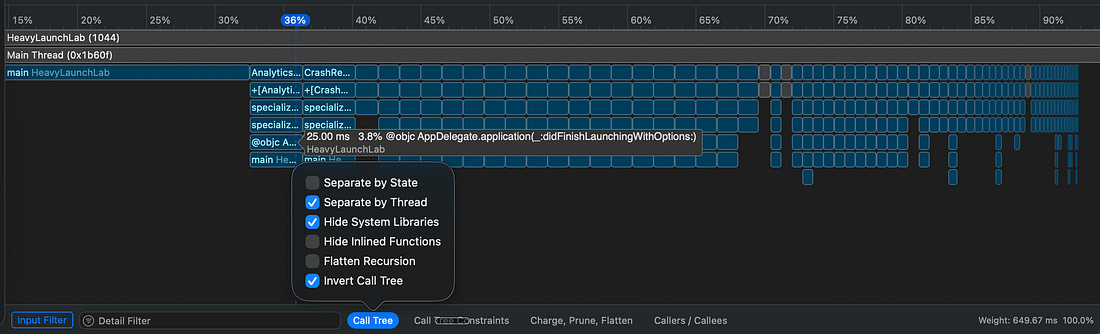
The % gives each segment’s share of CPU time in the given time window. To make things more useful for us, we can hide system libraries and see how our own code breaks down at launch*.
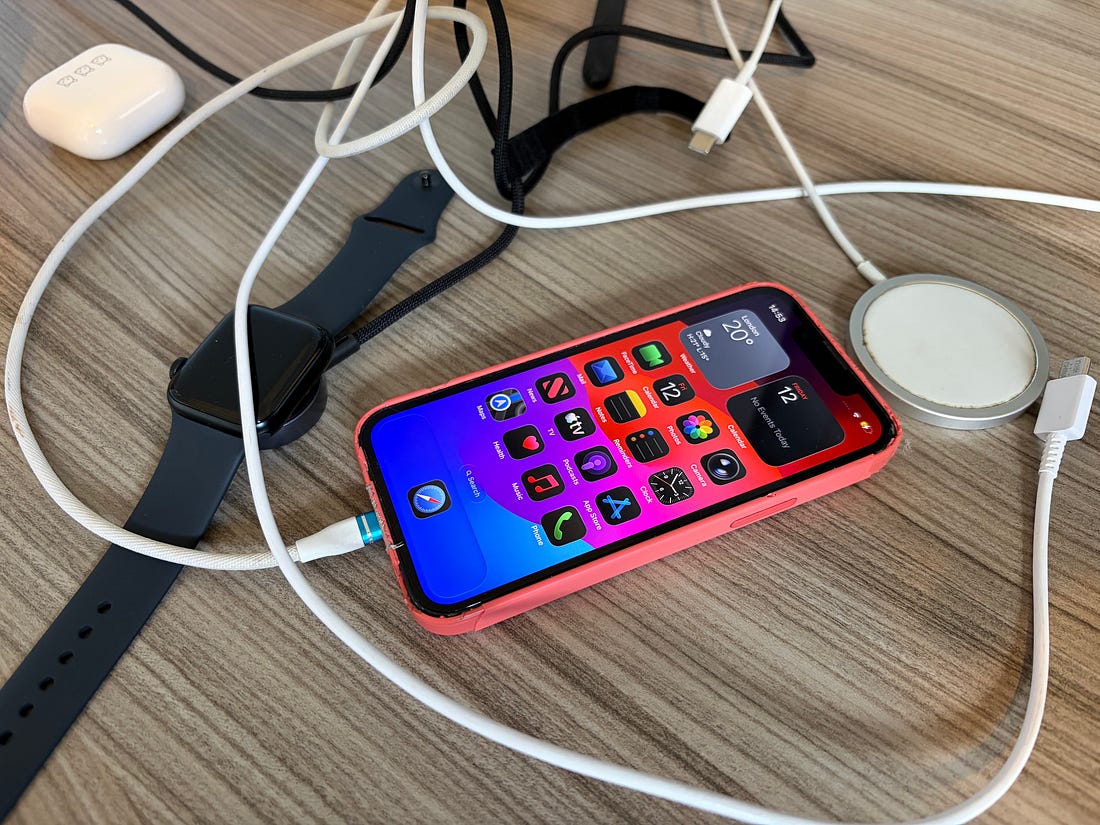
I’m not throwing away my shot 🎯I’m not Apple. I don’t have a bargain bin full of iPhone 11 Pro Maxes to profile with. I get one shot per year to run a proper before-and-after to profile OS upgrades. Since I don’t want the results to be too good, I whipped out my trusty iPhone 13 mini (from my cable drawer, which is inexplicably strewn across my desk).
Fortunately, I realised this before the automatic beta update landed. Just.
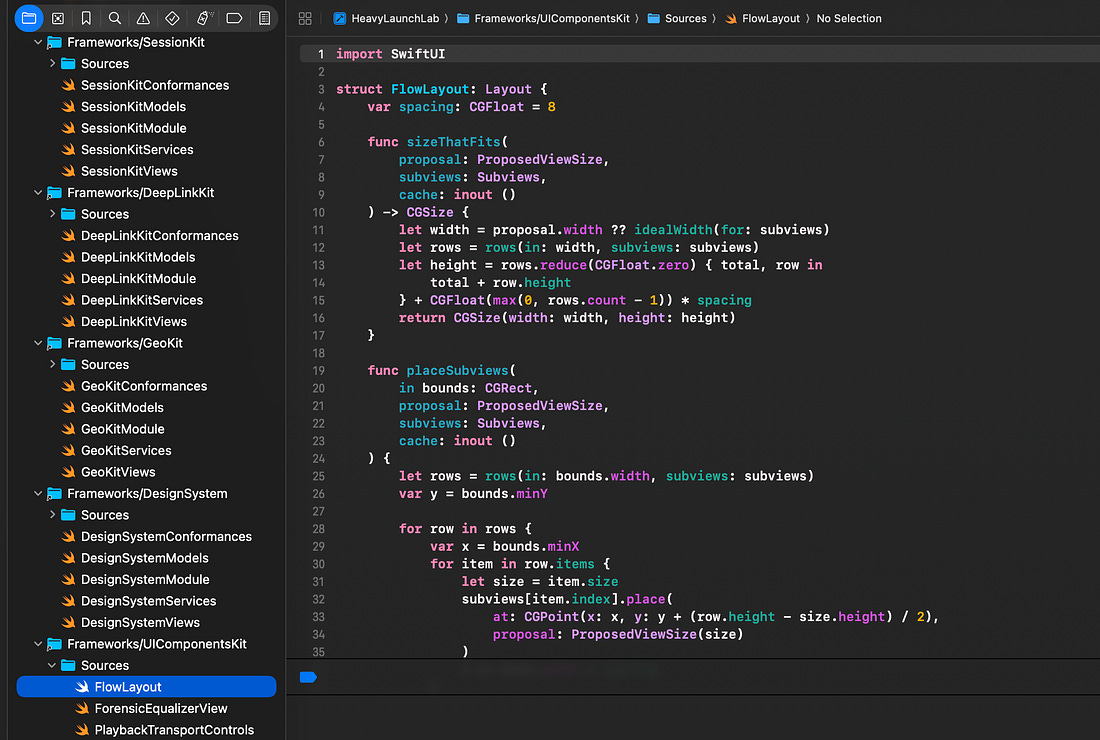
I vibe-coded a deliberately annoying Frankenstein’s monster of dynamic frameworks, static initialisers, and protocol conformances by pulling together a bunch of demo apps from previous articles. I figured I’d get more interesting results by attempting to give indigestion to dyld.
OK. This is the bit you’ve been waiting for. Let’s take a look at how iOS 27 changes things.
Continue reading this post for free in the Substack app
|