The 2FA app that tells you when you get `314159`
The 2FA app that tells you when you get `314159`An indie project for early 2010s internet addicts
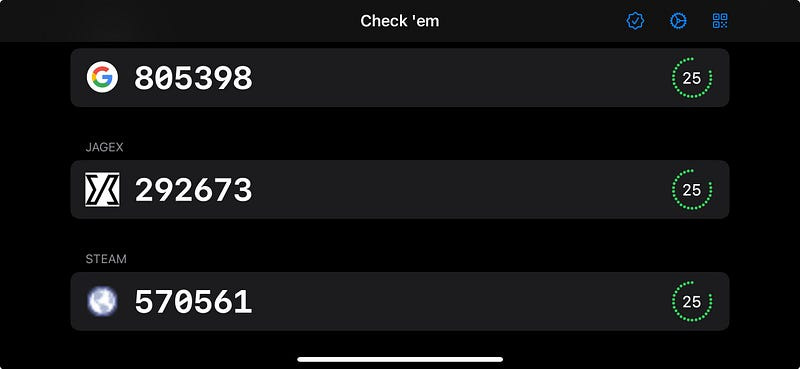
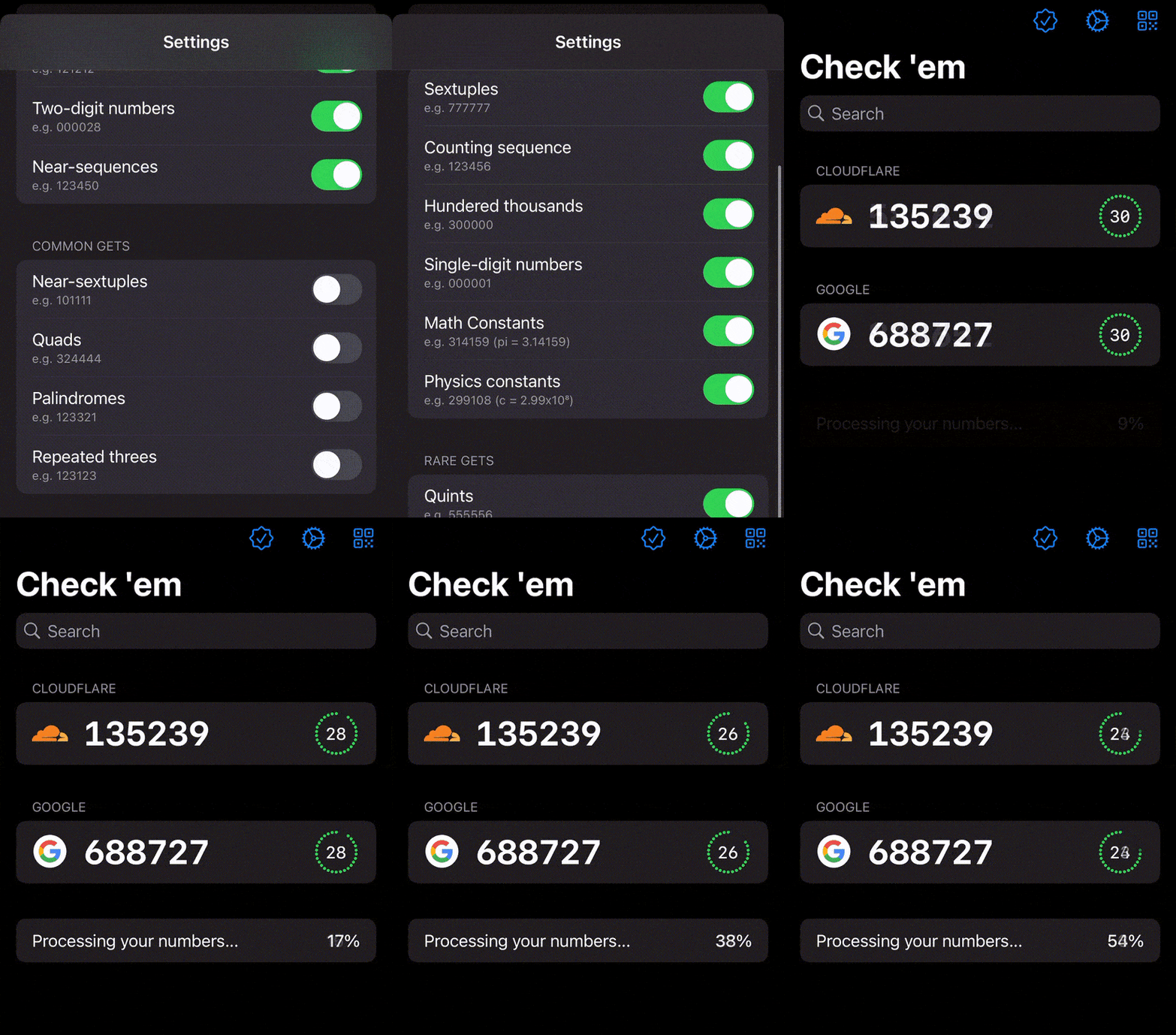
Like all recovered edgelords who came of age in the early 2010s, I somewhat miss the heyday of image-boards like 4chan. They were the final bastion of the wild-west early internet before the nazis ruined everything. One of the classic memes was GET, where you’d take intense pride in correctly anticipating your randomly-generated post ID containing an interesting sequence of numbers. These days, now that all the normies have grown up and found jobs, the closest we get to the magic of yesteryear is multi-factor authentication codes. If you know, you know. The drudgery of having to re-authenticate with your bank, your email, or your cloud services. The little glimmer of joy when you get a really nice number like Inspiration hit. These MFA codes use a common algorithm which refreshes every 30 seconds. We’re only exposed to a tiny sliver of the dubs, trips, quads, quints, and sextuples possible in our 6-digit authentication codes. As with all my indie projects, I had a singular clear vision around which I can build:
I knew what I had to do.
The Proof of ConceptI don’t need many moving parts to find out whether this works.
The Minimum Viable ProductIf the concept — getting notifications when cool 2FA numbers appear — holds up, then I could turn this into a real app with a few key features:
I knew I was onto something: 90% of the people I explained this to thought I was a moron. The other 10% saw only sheer brilliance.
Building the Proof of ConceptTOTPTOTP, or time-based one-time password, is a surprisingly simple concept. It’s an authentication process which uses two inputs:
An algorithm deterministically hashes these two inputs to create the 6-digit codes you know and love. This hashing algorithm is pretty cookie-cutter, found in Apple’s CryptoKit. Thanks to our friends at the Apple forums, here’s the full TOTP algorithm in all its glory: To make sure this worked right; I set up 2FA on my Google account, and displayed the secret in my app using the algorithm.
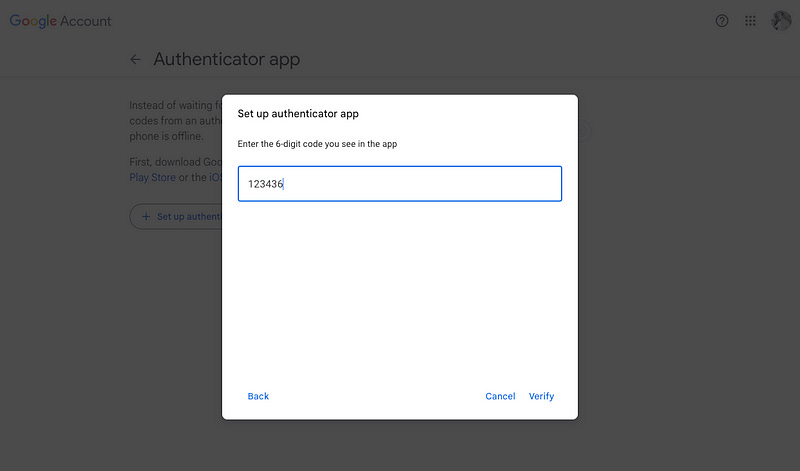
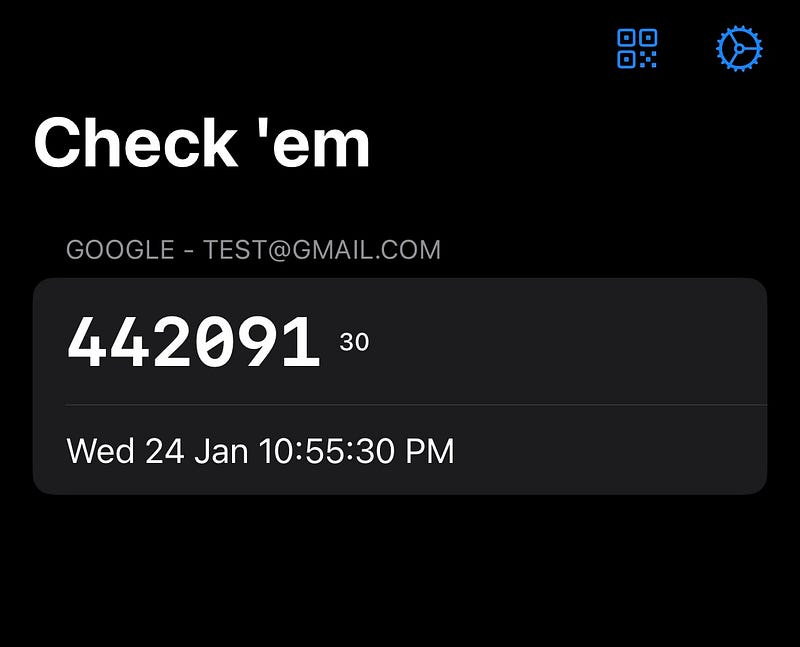
And, like magic (after some annoying base32 to base64 conversion), Google accepted my 2FA!
Now that we’ve got the bare bones of our 2FA working, we can implement the final piece of the proof of concept puzzle: generating notifications. App LimitationsOur key limitation lies in our mobile device. We can’t actually keep a background process such as 2FA generation running forever, and certainly can’t store user secrets on a backend push server. Therefore, to make this concept work, we have to be a sneaky: precompute 2FA codes into the future, and schedule delivery for the time at which they appear in real life. Additionally, we can only schedule 64 pushes on iOS at any time, so we should:
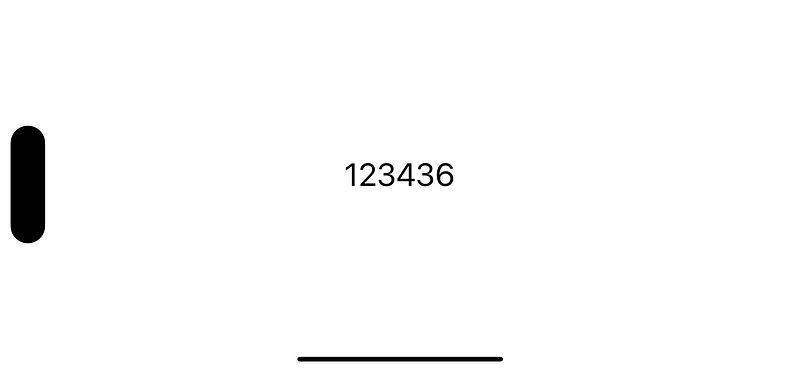
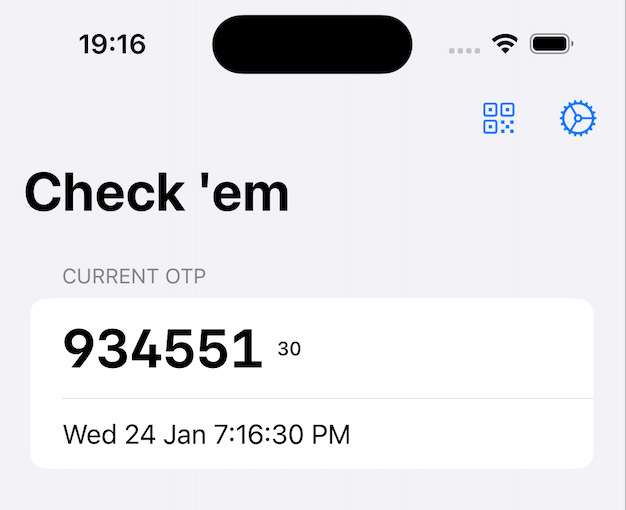
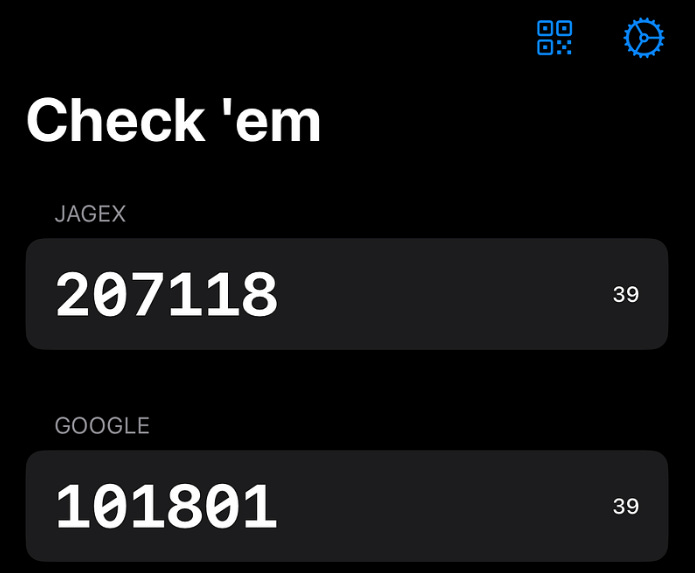
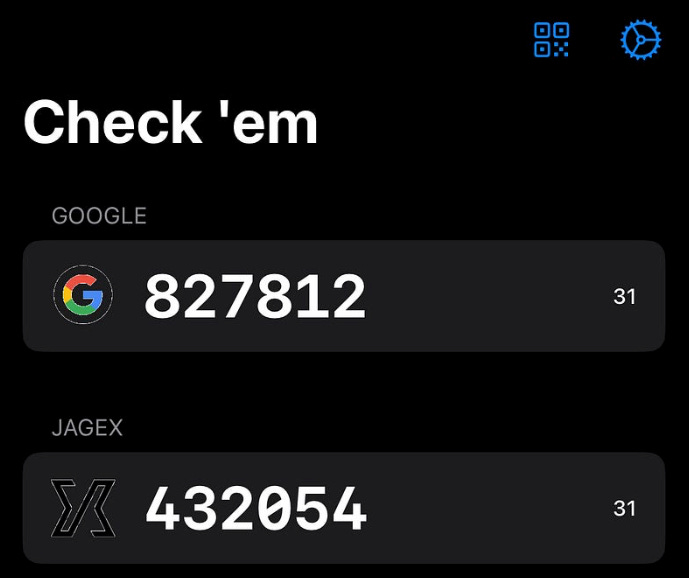
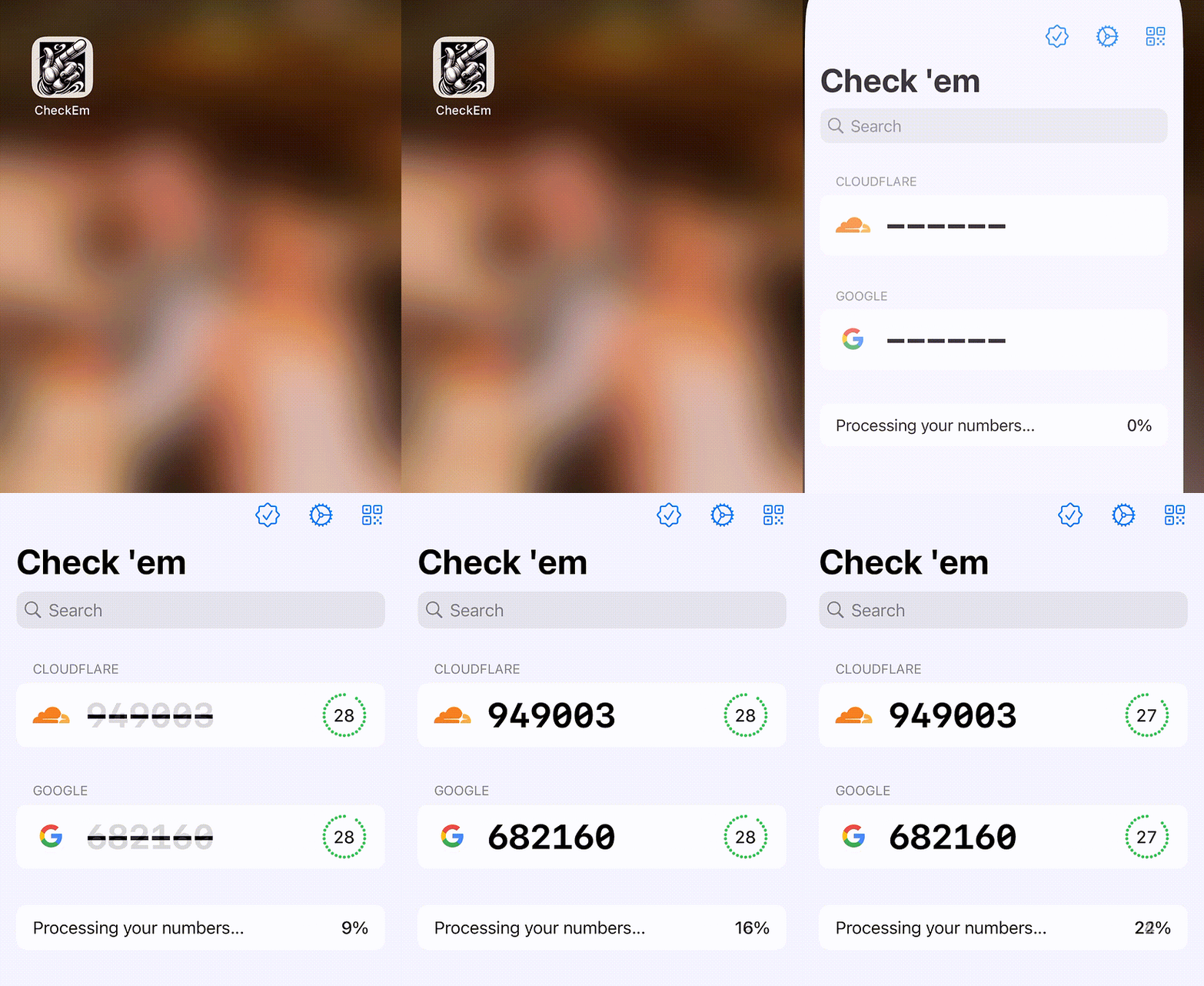
Now we know how our POC will work, let’s get building. Finding our First GETsLet’s jazz up our lowly 2FA code. We plan to pre-compute many codes, then implement some kind of regex to detect whether each code is a GET — worthy of checking ‘em. My super-simple SwiftUI view can display these codes handily, using a Looking good so far.
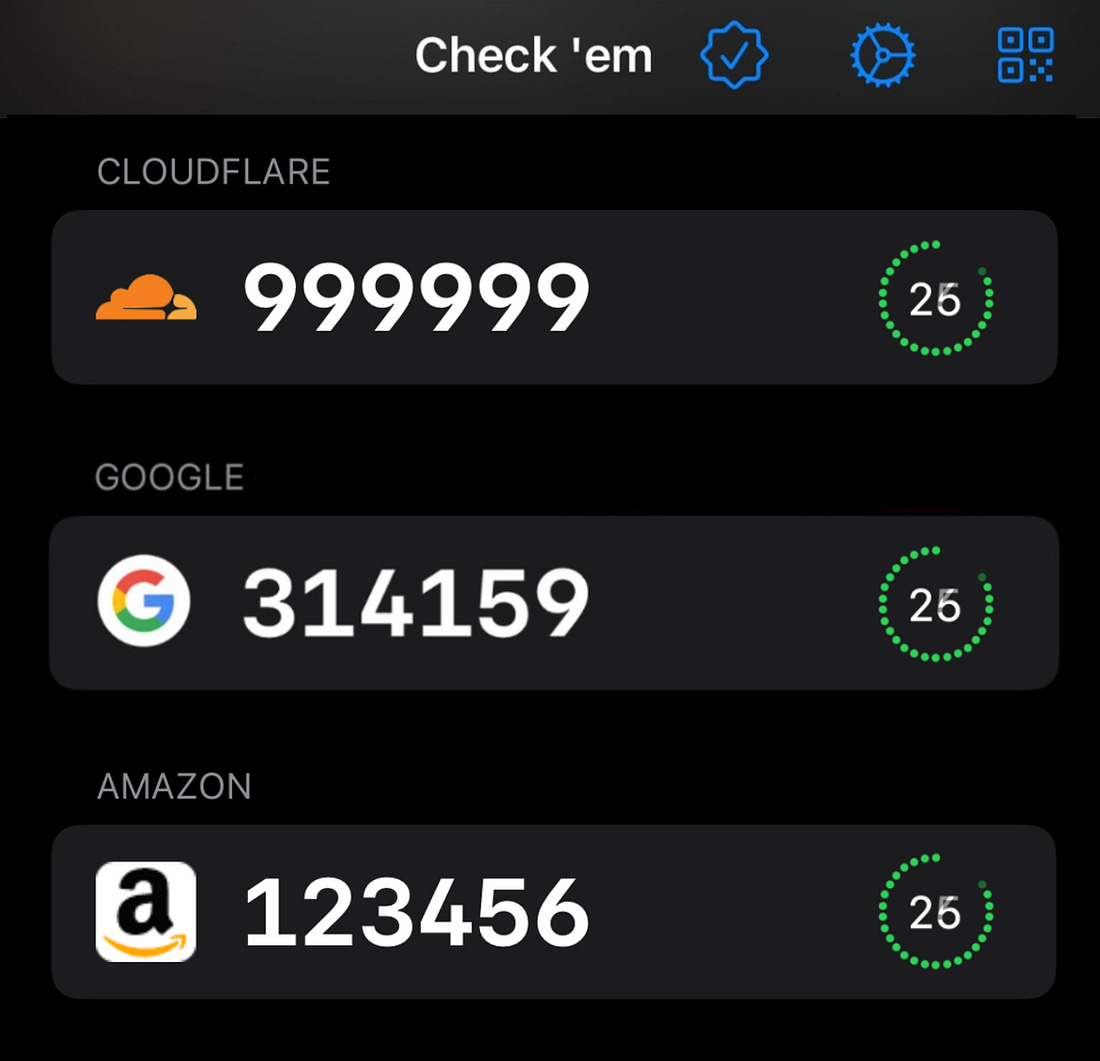
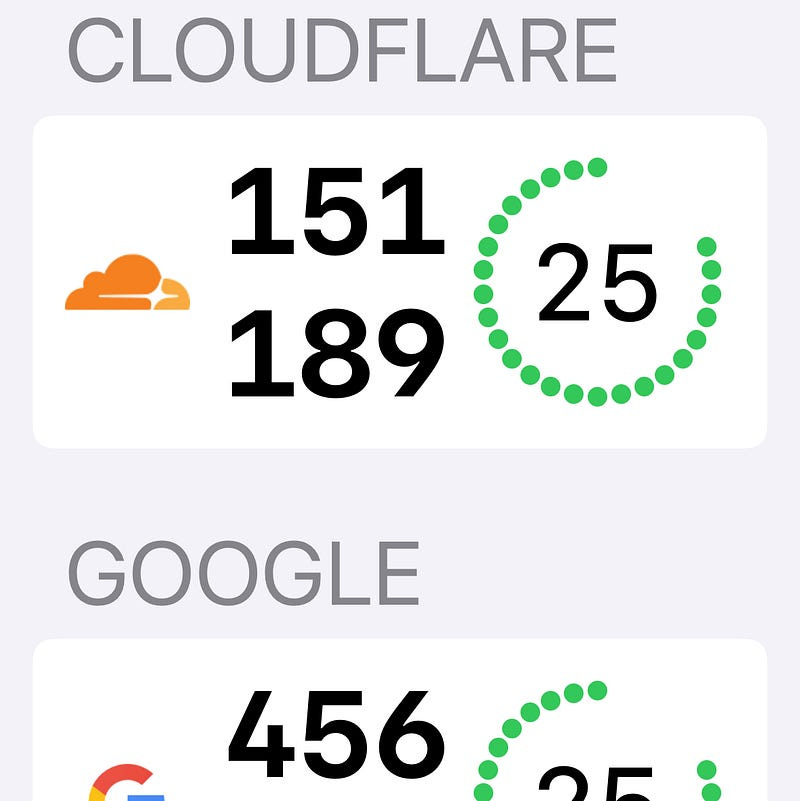
Now, we can add a simple regex-based evaluator to check for trips — that is, a TOTP containing a sequence of three matching digits such as We add a Et viola! Check those trips!
We can even make a basic modification to the our regex to detect the hallowed quads — I’ll leave this as an exercise to the reader.
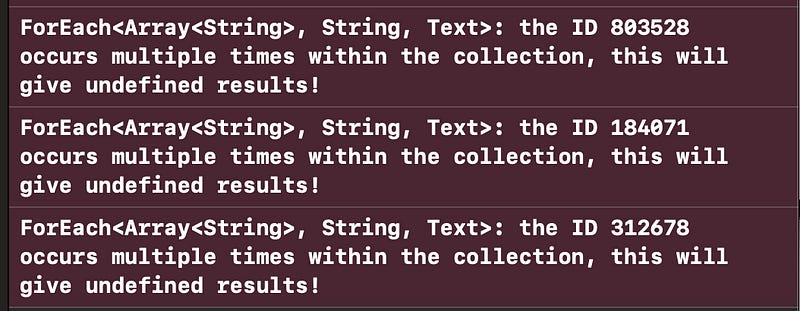
A Pointless but Interesting ObservationOur careless We actually get dozens of this warning!
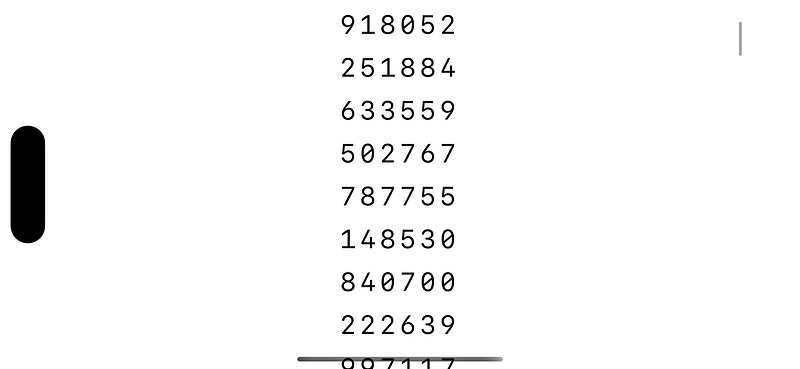
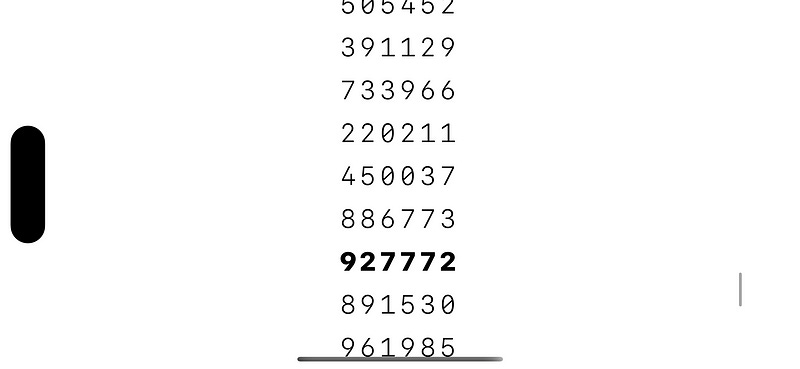
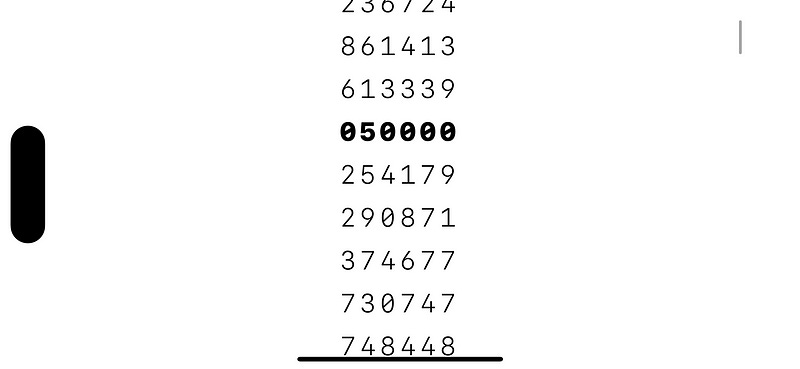
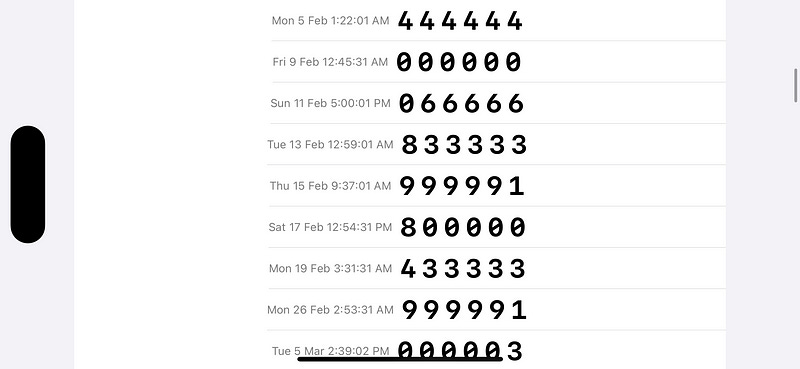
Since we generated 10,000 OTPs, it’s extremely likely that several match — this is the same as the birthday problem, where the number of pairs of possible matches is well over a million. Producing Rare GETsLet’s start calculating some interesting codes. The key here is precomputing to look ahead into the future: TOTP is a deterministic hash of the secret and date inputs. Therefore, we can feed a long sequence of dates in the future to determine which OTP code you see at what time. Let’s adjust to our OTP generation to return both the code and date: To test this, let’s generate a ton of these codes, and search for the full-house of GETs: quints. After some number crunching while my M1 runs the hashing function — about 30 seconds of it — we arrive at some seriously checkable GETs.
Scheduling our NotificationsFun as it is to see great numbers, the app concept is no better than a random-number generating machine if you can’t really use the GETs in real life for your real authentication. Now that we know when the interesting numbers are arriving, we want to queue up a push notification so we catch the number live: These are scheduled right after generating the
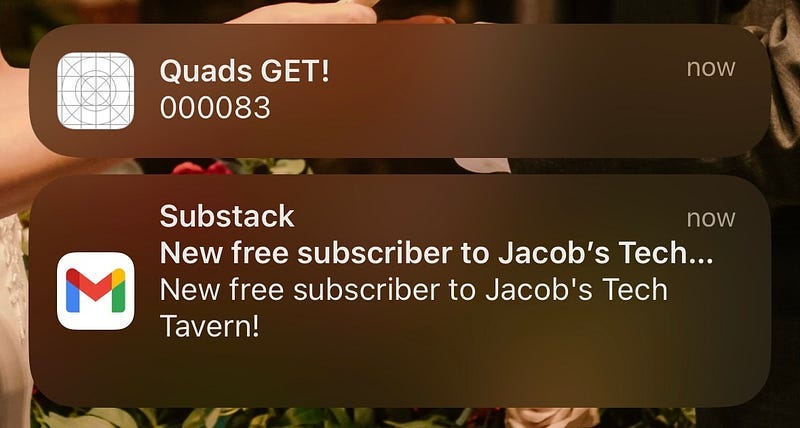
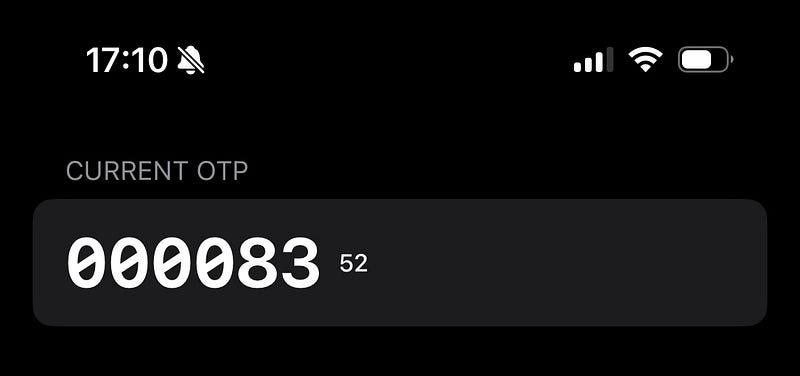
This became more exciting when I confirmed this notification corresponded with the number appearing in reality!
This app has now been elevated beyond a random number generator: this code really works for signing into my Google account. InterestingnessTo determine different types of interesting number, we need to introduce the concept of interestingness. This could include, non-exhaustively, a few potential kinds of number sequence:
These types of interesting number can be enumerated as… well, as an enum case, optionally created for each OTP we generate. Each A long-overdue refactor later and we’ve created our proof-of-concept. Let’s recap:
I’m going to take a break to play with the app for a few days. I suspect I might have the basis for a cool app on my hands. Building the Minimal Viable ProductI’ve been using the app, the bare-bones POC containing the kernel of my idea, for a few days now. And I LOVE it. I can’t wait until the first time I get sextuples. Now’s the time to add some meat on the bones and build a fully-fledged 2FA app around the concept. As I laid out before, this really only requires 4 major new features:
Lastly, a non-functional requirement: I’ll need to do some work optimising the very slow code generation — maybe using batching or local persistence. Human Interface GuidelinesI have no intention of doing anything fancy with the design — the standard apple Let’s keep our UX nice and simple: I know the functionality primarily lives in the push notifications; and it’s pretty perfect. That means hiding the QR scanner and settings behind toolbar buttons that display modal flows.
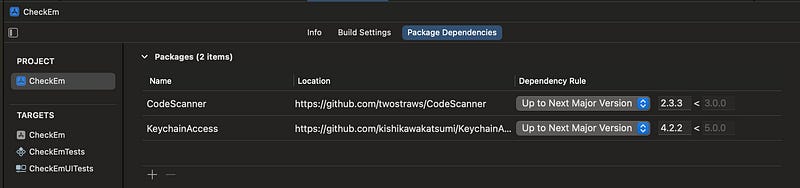
Scanning 2FA SecretsA couple of open-source libraries will save me a ton of time on cookie-cutter tasks. CodeScanner to supply simple SwiftUI QR code scanning, and KeychainAccess to easily store these 2FA account secrets in the keychain.
This scanner library uses camera access to turn QR codes into easily-parseable URLs like this: Now, we can easily get our accounts into the app!
Picking the Numbers You LikeUsing SwiftUI
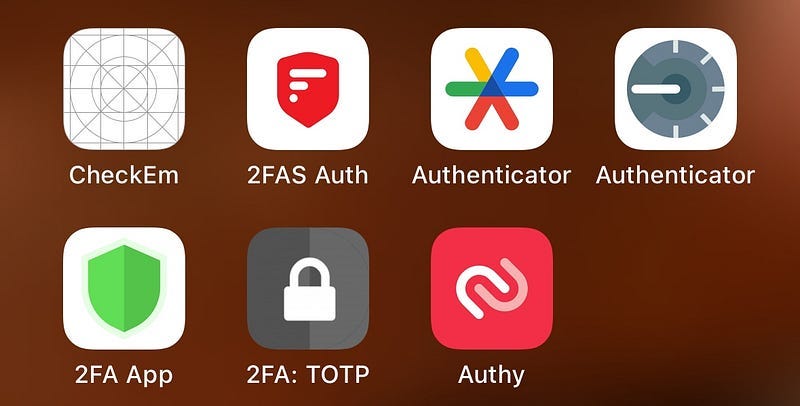
I used a closure in Belated Customer ResearchLook, I’m an indie dev, I’m allowed to do this halfway through the build process! I decided to download a few other 2FA apps to see if there were any ideas I could copy. Frankly, I expected a pretty crowded and competitive app market, but some of these were truly terrible.
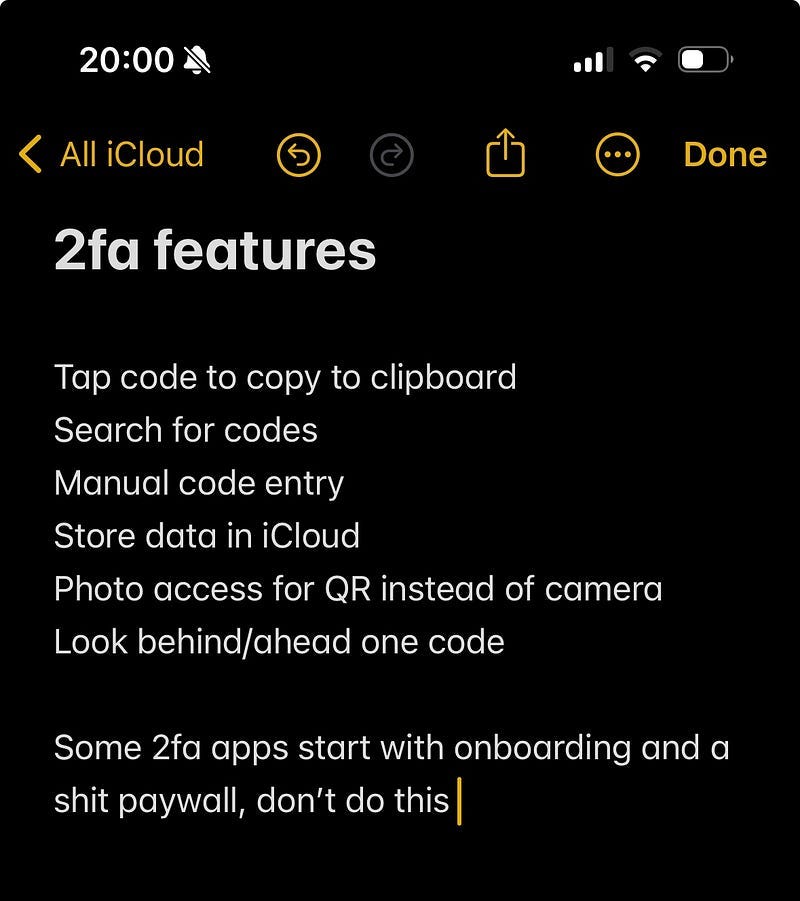
Seriously, more than 50% of them threw up an extremely aggressive paywall before you could use them… when there are perfectly good free options. Does nobody make apps for fun anymore? Despite this paywall menagerie, I did manage to note down a few good ideas to borrow.
Multiple 2FA AccountsThis is, of course, pretty critical for anyone that has more than one account. More accounts also means more opportunities for rare GETs! Updating my keychain code, now we can scan multiple QR codes, persisted our account data (including the secret), and they worked perfectly for logging me into my various accounts!
I also implemented the proper built-in While doing my competitor analysis, I discovered that the Google Authenticator kept all my 2FA codes from years ago, which I’d added on my previous iPhone! I realised then I was making two mistakes with my data layer.
Firstly, synchronising our keychain to iCloud means accounts appear on all your other Apple devices. This is a piece of cake with the Keychain Access library: Secondly, I was suffering from shiny-object syndrome: in my haste to use SwiftData as a persistence layer, I was only using the Keychain for the secrets, and persisting the rest of the Account metadata through the new framework. This meant I couldn’t get my accounts on any other device — the secret on its own is useless! Therefore, I realised I had to place the whole My new approach keeps the QR code URL on the keychain in its entirety. Now, the This means the
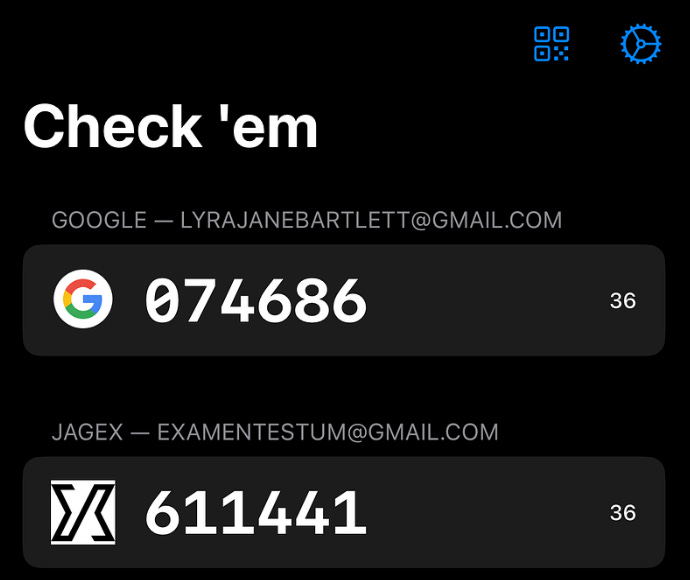
I did a lot of generic coding work to improve the UI and refactor the code nicely, but there were also a few gems in my development process that were pretty interesting. Finding Account IconsThis is very much a nice to have, but the best open-source app did the same, so I felt I had to at least be as good as that. Fortunately, there is a little-known Google API which crawls the web for FavIcons on websites and allows you to download them at several resolutions. How do I work out the website? I found pretty good results by simply using the Here I used the CachedAsyncImage library to get blazingly-fast loading performance on the icons.
I also added a Metal shader to handle background removal, and make the icon pop a little more. Here’s the SwiftUI View extension: And of course the MSL shader code: Here’s how they look. They’re not bad, but not amazing.
I’ve started over-engineering. Let’s stick a pin in this and see how we feel later. Polishing the UIIt’s working pretty well now as a basic 2fa app in its own right. Who would have thought that to be ahead of most of the pack, I just had to not have an extremely aggressive paywall ($4.99 per week? Seriously?!) After some boilerplate software development work on the timings, the basic UI, and the data storage, it’s really working quite nicely now — sticking to the basic SwiftUI components is a brilliant way to ensure stuff “just works”*.
I also implemented some nice QoL features I found through my competitor research such as tap-to-copy. I utilised accessibility tools like
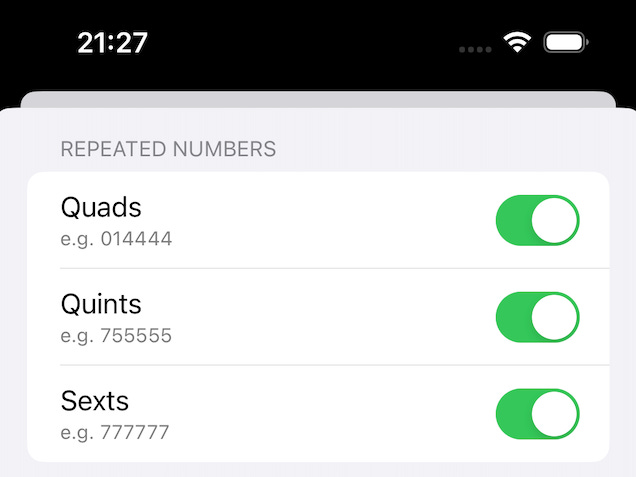
Making the App More Interesting(ness)To improve the true core value proposition, I implemented a lot more options for interestingness:
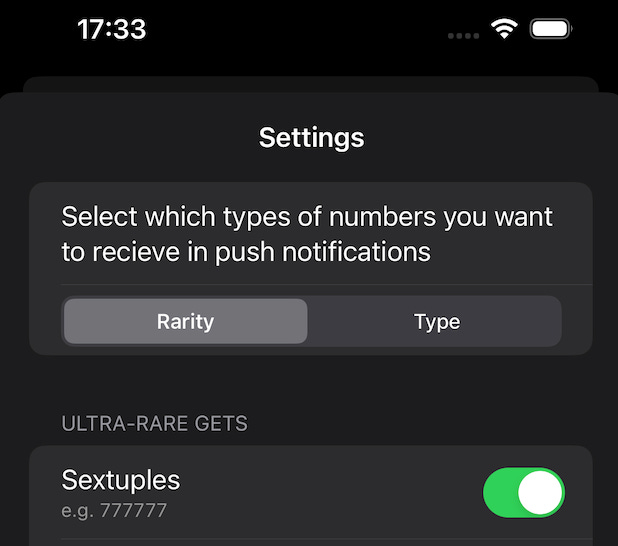
Some of these were fun little leet-code puzzles to implement, some were annoying regexes, while some were very straightforward. Probability TheoryNow I’ve updated the Settings UI so that you can sort by either rarity (common, rare, and ultra-rare), or by type (such as repetitions, constants, sequences, or round numbers).
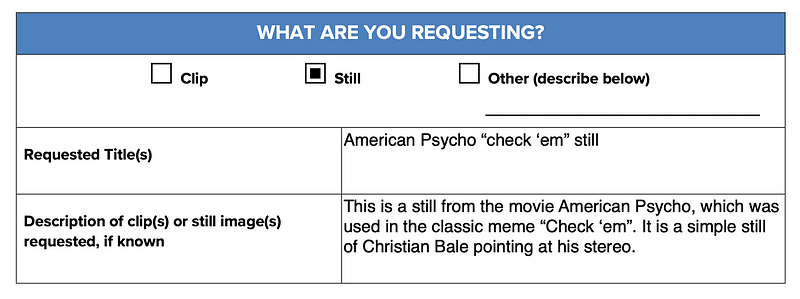
How do I calculate the probabilities of each rarity level? For perfect counting sequences like 30 seconds times 1 million combinations, divided by 6 possible sequences, means for each account you might only expect a perfect counting sequence to occur on average every 5 million seconds — that is, every 58 days on average. This is pretty ultra rare. However, palindromes such as In the middle, something like repeated twos (e.g. Some of these sequences, like quads, are a little tougher to number crunch, so it was simpler to generate tens of millions of OTPs and counting the incidence of each kind of interestingness, to get a feel for their relative frequency. Improving PerformanceThe app can process 64 interesting 2FA codes quite quickly, but only when I have all the common I need to invoke chunking — while crunching through millions of potential OTPs, returning and scheduling a notification as soon as a valid interesting code is discovered. My old friend the I also used some Now the scheduling works pretty smoothly, coming out in sequence instead of a single large chunk! The App IconThis was the one that got away killed me. I’m desperate to use the real check ’em meme for the app icon. It’s simply perfect. However, my good friend pointed out that our friends over at Lionsgate films might be feeling a little litigious. But I had to have it! Perhaps there is hope after all:
Unlike you, I have faith in the American copyright system.
Now we play the waiting game.
Crickets. I’ve lost all faith in the American copyright system. Goddammit, Bob Iger, whatever happened to fair use?! This is the best I could get from DALL-E 3. It has the wrong number of fingers, and it’s the wrong side of the hand, but after trying to prompt-engineer something better for several hours I am resigned to it.
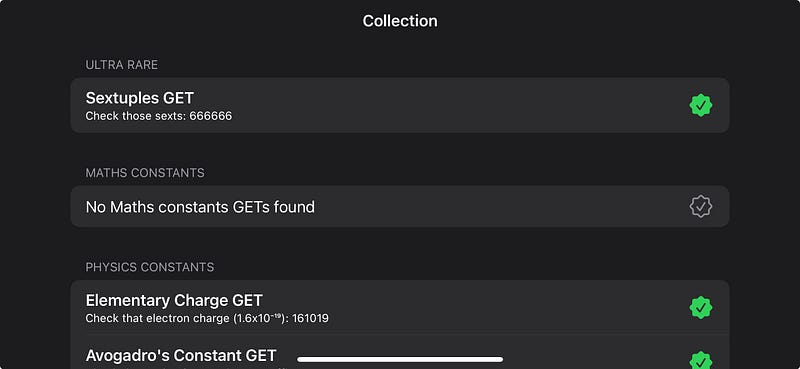
DALL-E really didn’t like drawing the back of a hand. I tried. Final TouchesThe concept was proven. The app works well! Time for some polish and pet features before we show the world the joy of Check ‘em. I created a list of TODOs — new features and bug-fixes — that I could implement in my V1 before I made my first release. Naturally, since I don’t have a product manager in sight, I immediately began work on the lowest-priority task: building out a collection with deep links — I don’t want my rare GETs to go to waste! CollectionsThis piece actually helps with a problem we identified original proof of concept: we need to incentivise users to re-enter the app by making users interact with the notifications. Creating a collect-a-thon is a little tricky, because there are a few moving parts:
Adding a deep link to the notification was fairly simple. But, a little annoyingly, I had to create an Finally, I lazily added a long, comma-separated list of stored codes in the Keychain. This was more a product of a desire to release fast rather than a well-thought-out engineering decision, one I will come to regret if my power-users approach the soft limit of 4kB per Keychain item (the hard limit is more like 16MB, so I should be okay!). This work paid off rapidly though, as the collection screen quickly started filling up with my rare GETs!
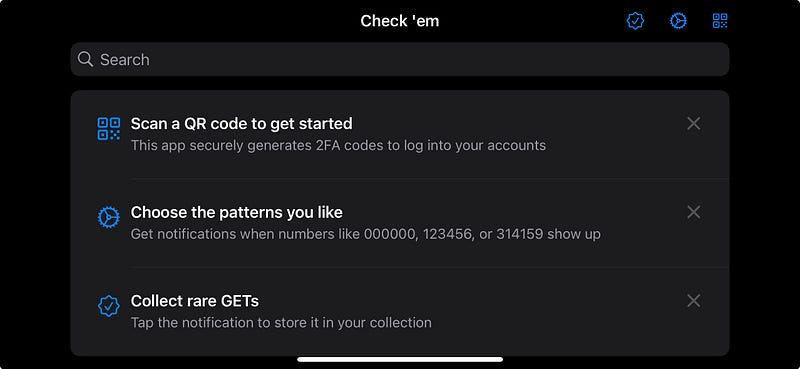
I originally hid the collection until a user had tapped a notification, but I realised it was far more compelling to entice a user to collecting ’em all by showing them the menu option.
HapticsThe iOS 17 I simply added a truly atrocious side effect to my existing refresh code: Don’t try this at home, kids! Image loading bugThere’s a bug where the It works pretty much 90% of the time, and I’d rather ship than replace one of my pet third-party SwiftUI libraries.
The Duplication Bug The Duplication BugSome of the other bugs, I was a little more attentive to before shipping — this one in particular was pretty bad, since someone might scan a QR code twice and get a weird duplicate of the same account. Far from ripping out and replacing a time-saving library, this bug had a single-line-of-code fix. Since the Keychain is keying 2FA accounts based on the name, this fix is pretty sensible. Codes Not LoadingI found another issue with codes not being queued. It turns out, I misunderstood how A function to populate UserDefaults on the first app load solved this. TipKitOne little bit of improvement used the new iOS 17 TipKit to give a user a bit of an idea of what to do when they first load into the app.
This was surprisingly simple to implement with the new API. The Store ListingI think we’re ready to ship.
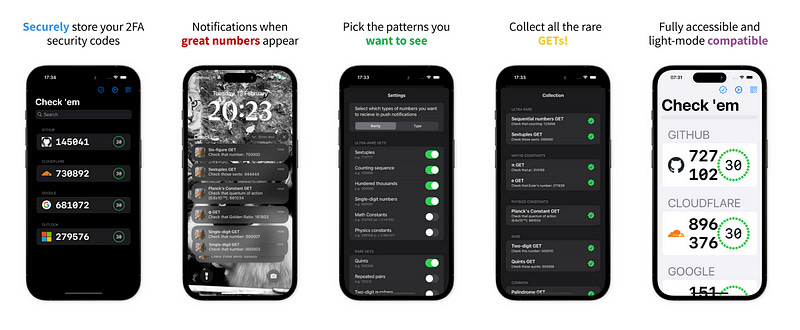
Setting up our store listing via AppScreens, the coup de grâce second screenshot shows the true power of Check ’em (featuring my cats).
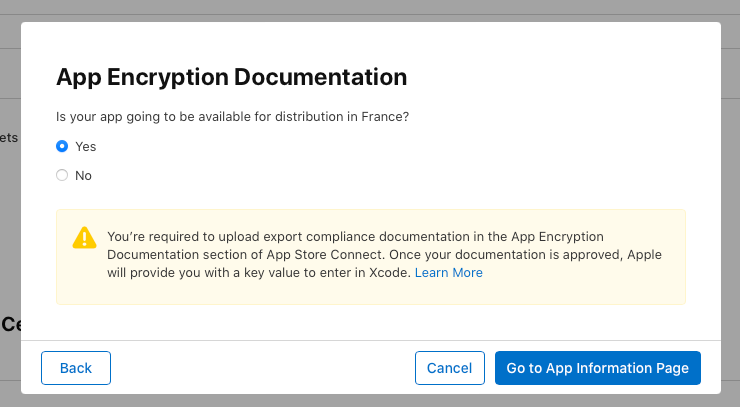
Seriously?
Look, I’m not the most libertarian person in the world, but I don’t want to jump through several extra hoops to increase my target market by 1%. Do better! (Sorry to all my French readers) In short order, we’re set up on App Store Connect and ready to press the button! Download Check ’em: The Based 2FA App today! Thanks for reading along with my journey! This was a pretty fun project: not only did I manage to tickle the part of my geek brain which loves spotting patterns; I got to handle some nifty processing, threading, and optimisation problems! My next step is focusing fully on performance for the If you love this app, please give your suggestions on numbers you’d like to see! Finally, if anyone is keen to see an Android version, I’m more than happy to share my source code let you to run with it. To celebrate Pi Day weekend, I’m offering a 31.4159% discount for a year on my monthly and annual plans! High Performance Swift AppsI’m sharing the sequel, right here. Two weeks ago, I released Check ‘em: The Based 2FA App. The concept was pure: a two-factor authentication app which sends you a notification whenever a really great number shows up. Tap the notification to permanently add it to your collection. The kind people of Reddit enjoyed my write-up — from idea, to proof-of-concept, to release — enough to propel me to #3 on r/programming.
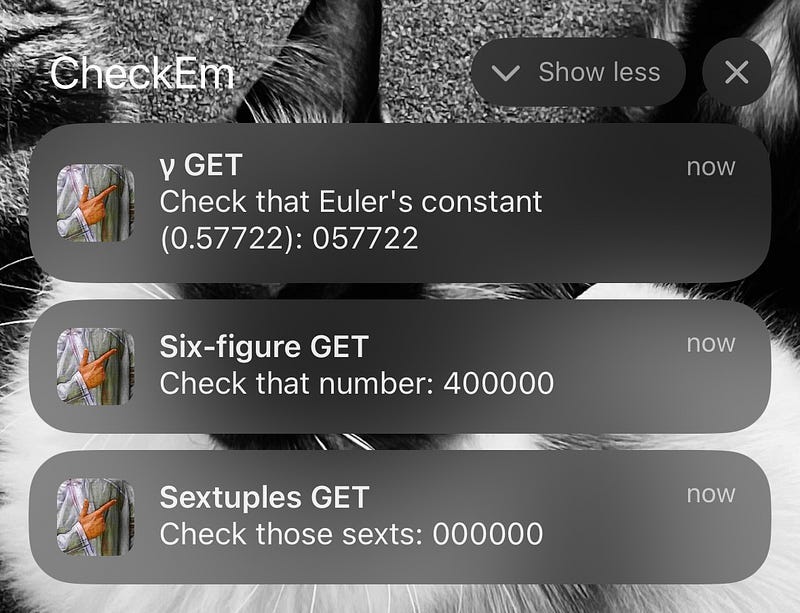
Check ‘em calculates millions of 2FA codes into the future, processes each number to determine if it’s interesting, and schedules the interesting codes as push notifications — GETs.
My app performance evaluation process has three steps:
This find-problems-first approach avoids bike-shedding, keeping the focus on the real bottlenecks. “Any improvements made anywhere besides the bottleneck are an illusion. Astonishing, but true! Any improvement made after the bottleneck is useless, because it will always remain starved, waiting for work from the bottleneck. And any improvements made before the bottleneck merely results in more inventory piling up at the bottleneck.” This approach helps me avoid wasting time on general code improvements that don’t move the needle for our users (so the singletons are here to stay — sorry not sorry). Testing On-DeviceDevice Processing speedThe big, glaring performance problem is exactly where you’d expect: processing your numbers while computing 2FA codes. This processing runs every time you enter the app, make a change to your 2FA accounts, or update your choice of GETs. TOTP calculation itself is a non-trivial function, involving byte manipulation, string creation, and cryptographic operations. These codes are then checked for several kinds of interestingness, before scheduling push notifications for the most interesting codes. This processing is pretty fast when a user has common GETs enabled, such as quads (e.g. If a user only wants to see rare GETs, such as quints (e.g.
Rarity increases exponentially with each tier. With only ultra-rare GETs enabled, such as sexts (e.g. As expected, this is by far the biggest performance bottleneck. Time-to-first codeSince the app is pretty simple, just 1500 lines of Swift, the surface area of potential performance problems is pretty constrained. A less offensive issue rears its head each time you launch the app fresh — while the launch itself is lightning-fast, it takes a little while for the first 2FA codes to appear.
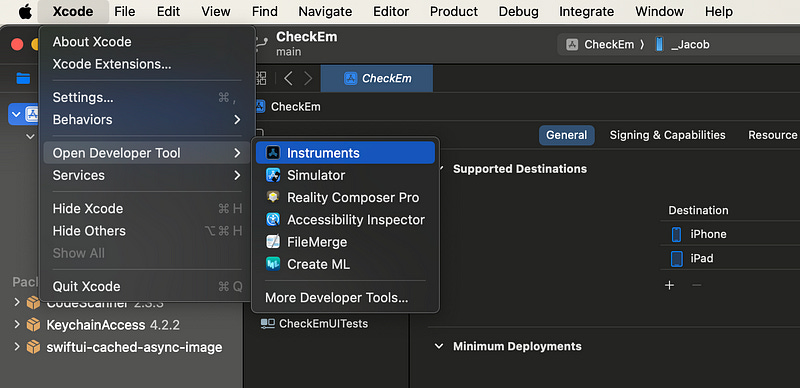
Since a user would, ideally, be using this app for 2FA codes in their day-to-day, having useful codes snap into existence instantly would improve the user experience for the functional use case of this app. Profiling with InstrumentsNow we’ve identified the two key user-facing performance issues, we can perform a detailed analysis with Xcode Instruments. This profiling will allow us to detect the exact function calls which bottleneck our code. Setting up InstrumentsIf you’re new to performance profiling, Instruments is a separate app which can be opened from the Xcode Developer Tools menu.
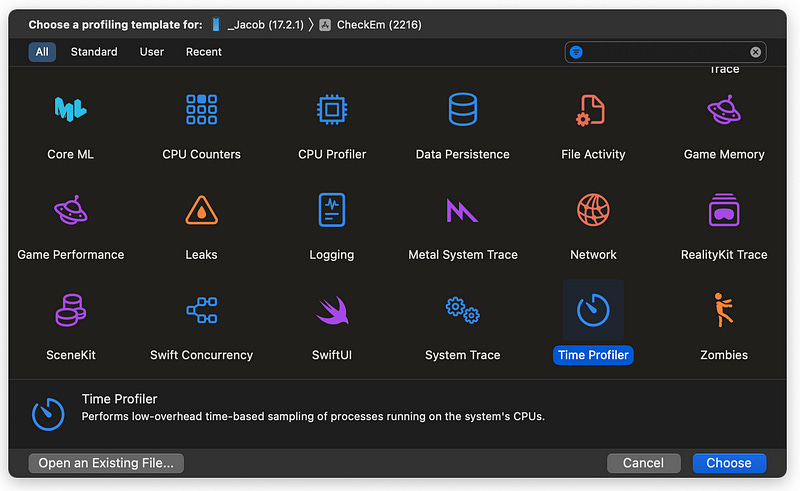
Our bread-and-butter Instrument is the Time Profiler, which monitors CPU cores. It samples these cores 1000 times per second, recording the stack traces of the executing functions. The resulting report shows which parts of your code are hogging compute resources.
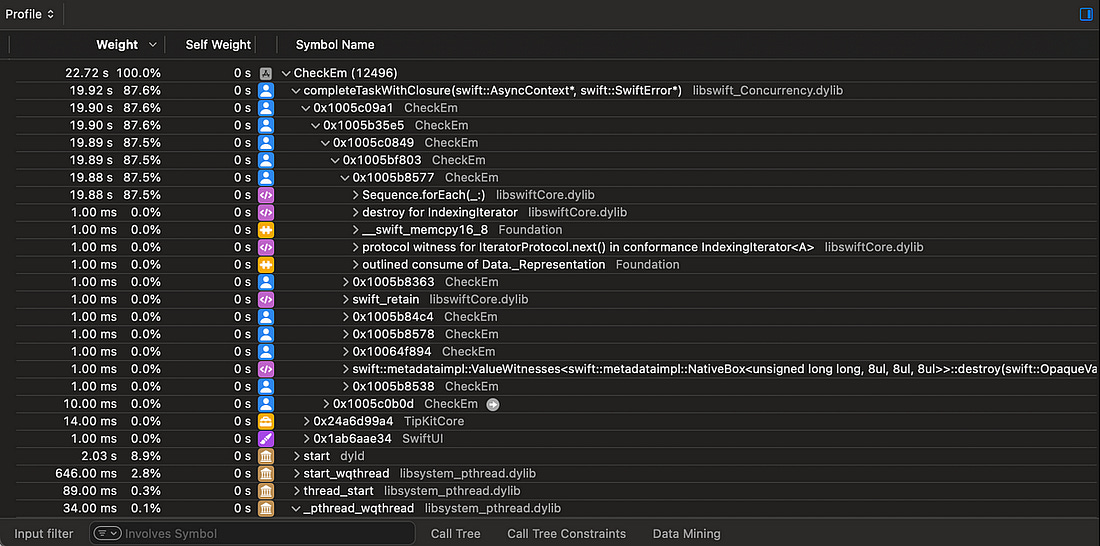
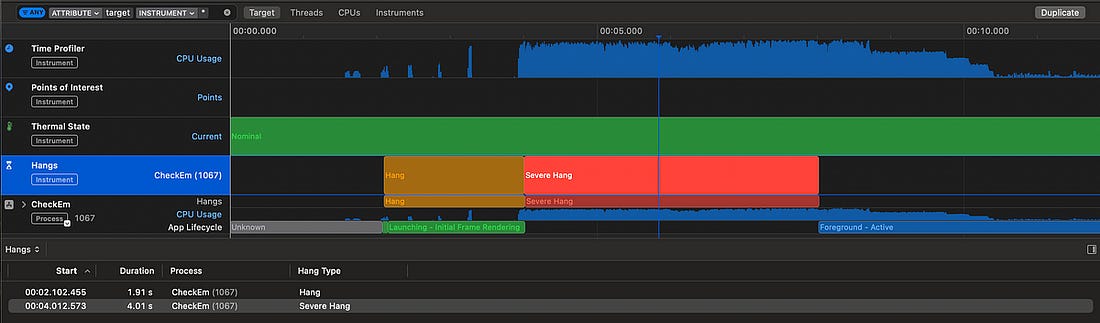
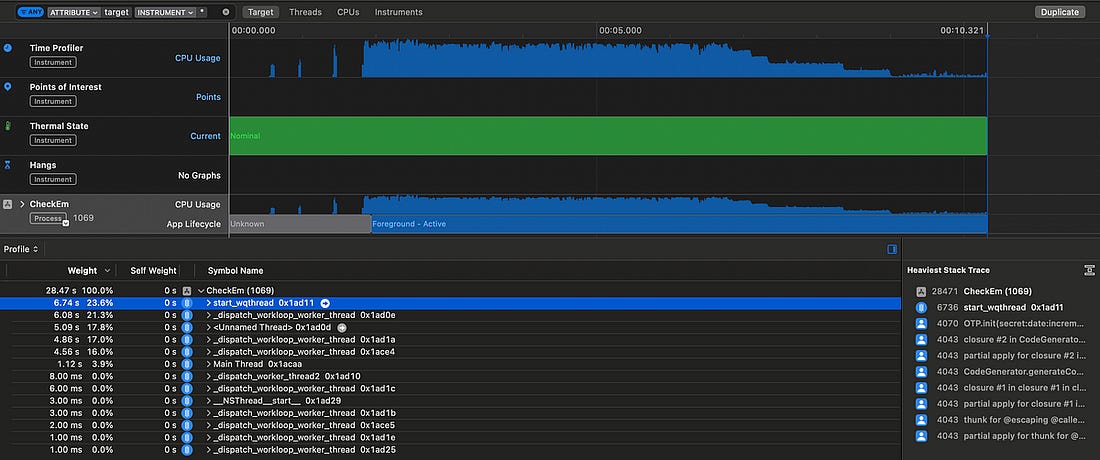
Now we’re all set up, we can start our investigation. Processing speedOpening up our app, and monitoring the notification re-computation, we see some kind of async process taking up nearly 20 seconds as Check ‘em searches for interesting codes.
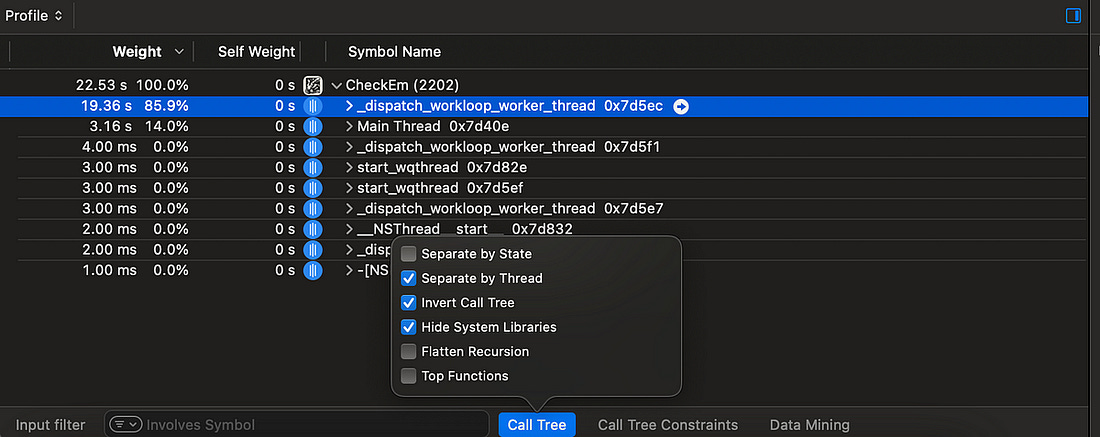
To make this easier to comprehend, there are 3 settings we can toggle from the Call Tree menu:
Now, we can easily see all the processing work which is happening on a background thread as we expect.
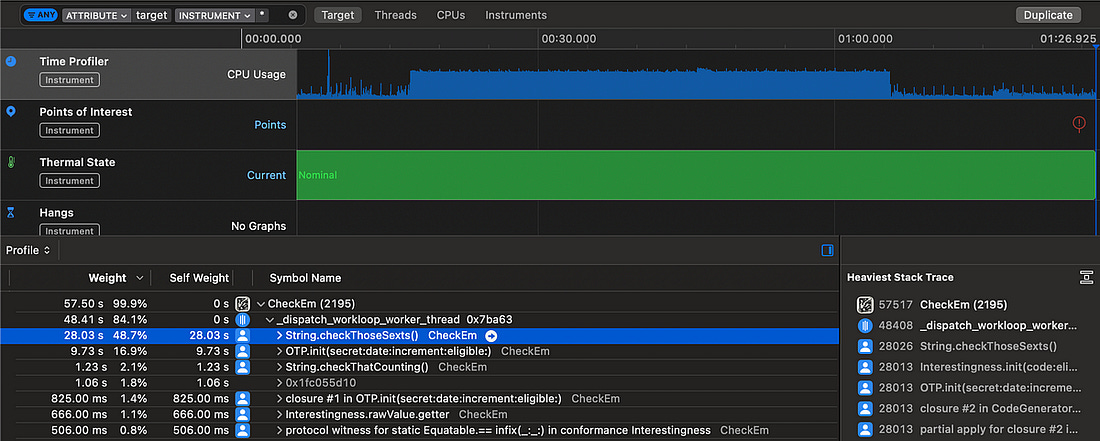
Our TOTP generation uses a non-trivial, but very well-specified algorithm. If I’d invented a way to speed this up, I’d be writing this article on from somewhere hot, on a yacht. What I’m trying to say is, we’re not likely to find a shiny new algorithm to speed up this TOTP generation process. Therefore, we firstly want to improve anything slower than the
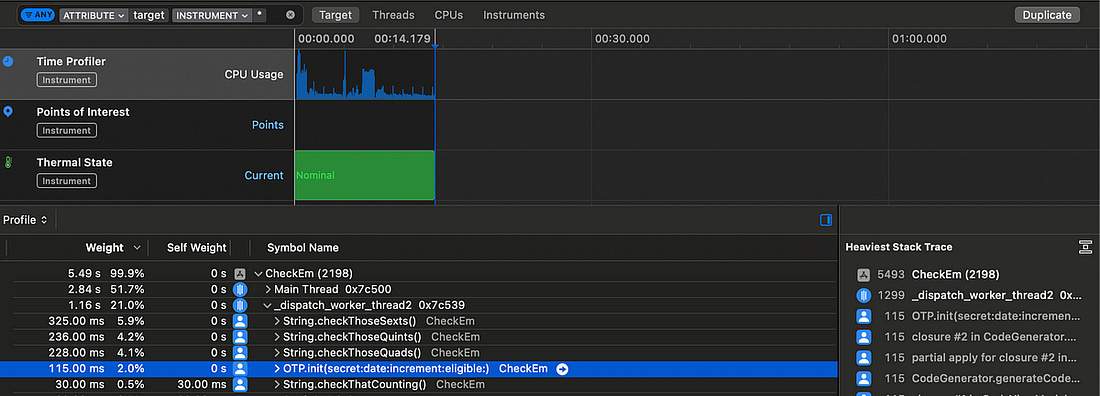
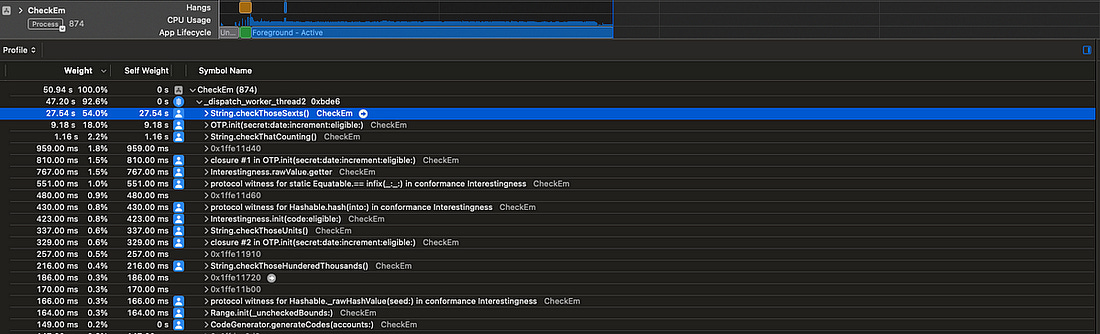
We’ve found the smoking gun. The slowest calculation by far is When I also check for quints and quads, which use similar regexes, they also substantially outweigh the TOTP calculations.
We’ve got a pretty clear indication that swapping out the regexes for alternative approaches could approximately double performance. This analysis helped me realise something further: this heavy processing is running serially on a single background thread, with pretty much all the heavy work offloaded to This means just a single CPU core is responsible for generating TOTPs and checking their interestingness. If we’re clever about it, this process is dying to be parallelised. Time to first codeThe other user-facing problem is the relatively slow time between opening the app and seeing a useful 2FA code displayed. Since we know exactly what start and end points in our code to look for — app launch up to the first displayed code — we can profile this problem with a blunter tool: The app currently takes a massive This shows two relatively long waits:
The keychain operation to fetch accounts, and the subsequent code generation step, are actually pretty quick, so don’t substantially impact the total time. Now that we’ve identified the key performance bottlenecks, we finally can start to make some targeted code improvements. Code ImprovementsOur basic run-through of Check ‘em found two performance issues:
Based on our detailed analysis, we identified 3 specific improvements we can make:
Let’s see how much speed we can squeeze out of this app! Efficient algorithmsThe slow regexes are the first big bottleneck we spotted using Instruments, taking up more than 50% of total processing time. Let’s benchmark our results using only ultra-rare GETs in the computation. Because these are so rare, the CPU needs to crunch 100x as many TOTPs to find these compared to common GETs, so finding 64 interesting GETs takes far longer.
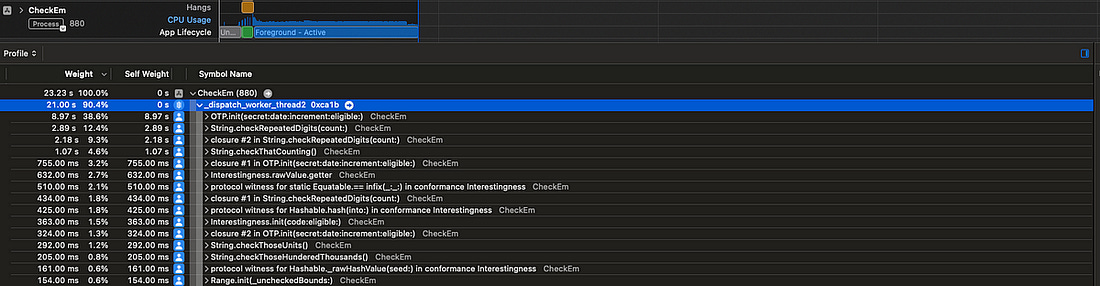
We have our time to beat! That’s In one single function change, the sextuple check itself is more than 10x faster, slashing the total computation time down to Such is the power of focusing on bottlenecks.
I’ve written some neat code, but it’s actually pretty inefficient — we’re performing a heap allocation of 10 strings (from There’s an alternative, gruggier, approach, which might make life even easier — hardcoding a list of numbers. This avoids repeating the expensive string allocations. We can apply the same approach to the heavy operations that look for quads, quints, and counting. We’ve handily eliminated the biggest bottleneck: The
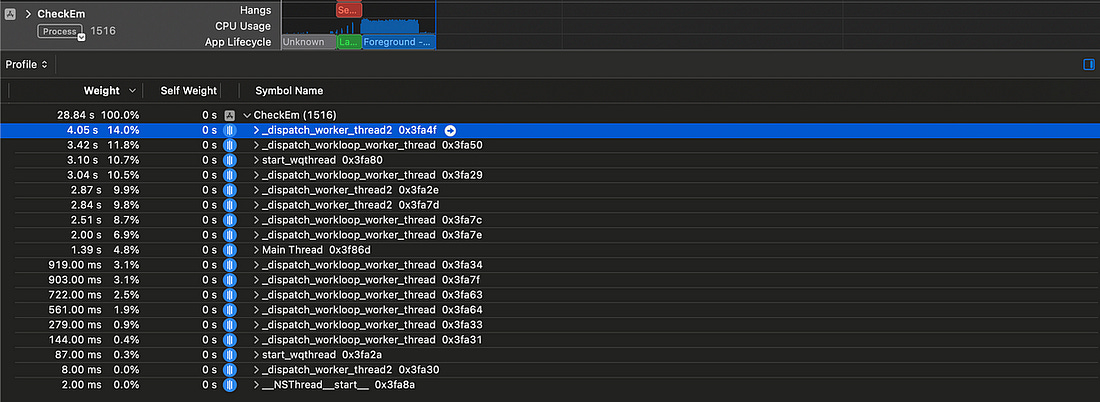
checkThoseSexts()Now, this gives me a bright idea. There are only 1 million possible 6-digit TOTPs. Perhaps, as an upper bound, 1 in 100 are interesting*. *The most common interestingnesses, such as palindromes (like Ten thousand numbers isn’t that big. It wouldn’t take very much processing power to hold them in an efficient data structure such as a dictionary, keep this in memory, and look up interestingness with a single Additionally, this offloads the computation from users to my trusty M1 MacBook, and saves the environment. But, while this is a bright idea, this isn’t the bottleneck! Therefore, I’m going to regretfully leave it for now. TOTP calculation now takes up the vast majority of processing time. This is an appropriate time to invoke our CPU cores. ParallelismAll our computation is currently performed on a single background thread. I’ve been wondering how I might improve this. The natural idea would be to ‘chunk up’ the TOTP calculation, and put each chunk on different threads. But how would we apply this chunking? We can’t necessarily do it by day, by week, or by month, since we might end up running lots of computation that we can’t use — we can only schedule a maximum of 64 notifications at once on iOS. Let’s find an approach which minimises complexity. Let’s use the CPU architecture as a guide: modern iPhone processors contain 6 cores, so let’s aim to use 6 simultaneous chunks. We can use We can then run these 6 parallel processes to calculate every 6th TOTP code into the future. Each process ends when it has found 1/6th of the total interesting numbers. This seemed to process faster, however it completely locked up our UI with hangs. The app was near-frozen and unresponsive while it processed our TOTP codes.
This is because I am forcing 6 high-priority processes to happen at once, so the main thread has to share rendering cycles with this expensive computation. This would be even worse on many older iPhones that don’t have a full 6 cores available — therefore, we should limit the number of processes to one per CPU core, and leave one core spare for the UI thread. Now we’re talking! This gives us a much healthier 5 threads of heavy, chunked-up computation and one very calm UI thread, without any hangs to write home about.
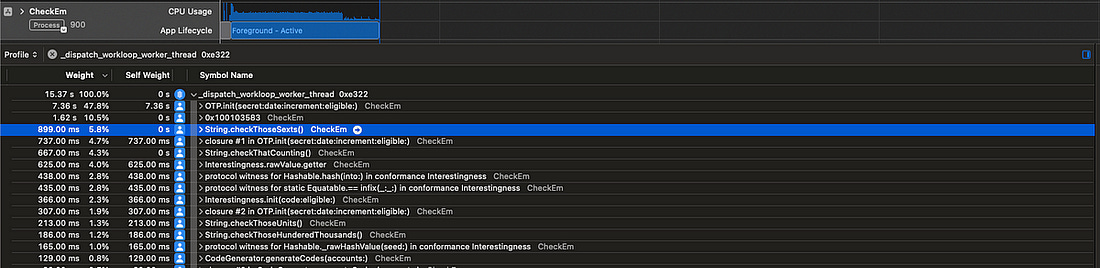
This parallelism has taken our longest-running thread from a heavy We are using 5 cores. Why isn’t this neatly 5 times faster? Maths and ActorsThere is still an issue with our approach: each of our The fastest thread might find This problem is twofold:
Perhaps, instead of working from an offset, each thread simply runs independently and calculates the next un-calculated code. Therefore, we need a way to safely share state between these threads and ensure each new TOTPs calculated uses the next un-calculated 30-second date increment. Swift offers a neat solution to this problem with Actors, which enforce serial access to their state. Compared to our first attempt at parallelism, which allowed each thread to run wild calculating every 5th TOTP independently, this approach requires coordination between our processes. This coordination adds overhead — each process is a little slower individually because they might need to wait to call Consequently, each time Let’s measure how this performs!
This Actor-based approach leads to several more threads in-flight at once. Swift concurrency aims to have approximately one thread running per CPU core, in line with our original parallelism goal, and manages threading itself using a system-aware cooperative thread pool. The total cumulative execution time given in instruments is the sum across each thread. This is of course not representative of the time our users are waiting — to get a proper measure, let’s crack out our trusty timestamps again and measure the total speed for calculating interesingness for ultra-rare GETs. Original speed without parallelism
Speed using chunking and (n-1) threads
Speed using Actor coordination
This shows us that the additional thread coordination overhead we take on with actors is worth it — the process is more correct, it more efficiently utilises our CPU cores, and is overall makes this computation step 47% faster! Earlier code generationOur final piece of performance profiling, using We are first waiting for This is a pretty simple fix: decouple This drastically cuts down the time between app launch and code generation — from Now, the codes snap into the screen almost immediately.
ConclusionCheck ‘em — The Based 2FA App was a madcap idea I turned into a side project, and had an enormous amount of fun with. What I didn’t expect was to encounter an extremely interesting performance optimisation puzzle as the centrepiece of my second ( Now, the app is firing on all cylinders:
|