Impress at Job Interviews by Inspecting their App Bundle
While I always try to pass job interviews on merit, it’s always good to have a few aces up your sleeve. If you know the secret languages of .ipa-ese & bundleglyphics, you might surprise and delight with unexpected architectural feedback — if you take 10 minutes to inspect and analyse their app bundle ahead of time.
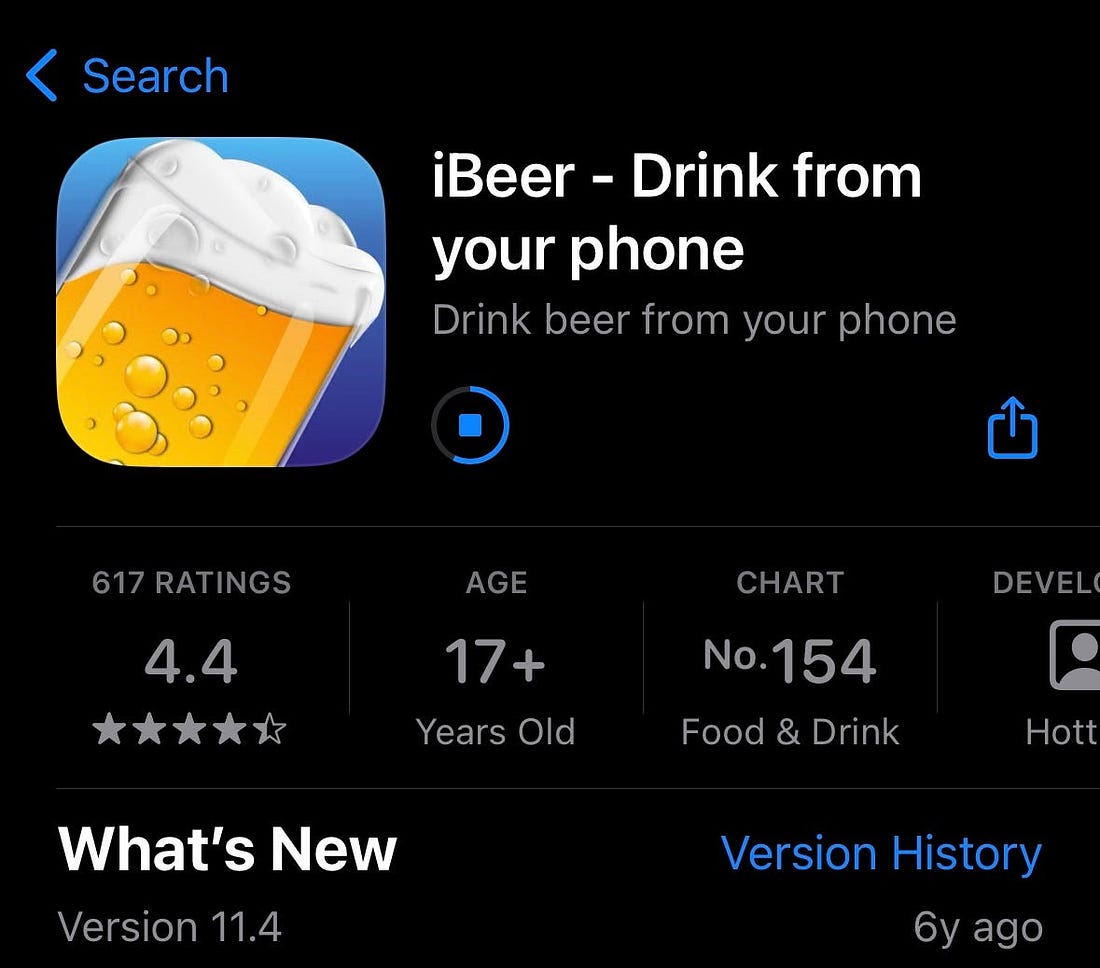
Getting the app fileThe first step to inspecting an app bundle is, naturally, obtaining a bundle you want to inspect. So hop to the App Store and download it directly to your device.
Apple intentionally makes it hard to look at the actual file on the device storage (because reasons). So we need to be a little cleverer.
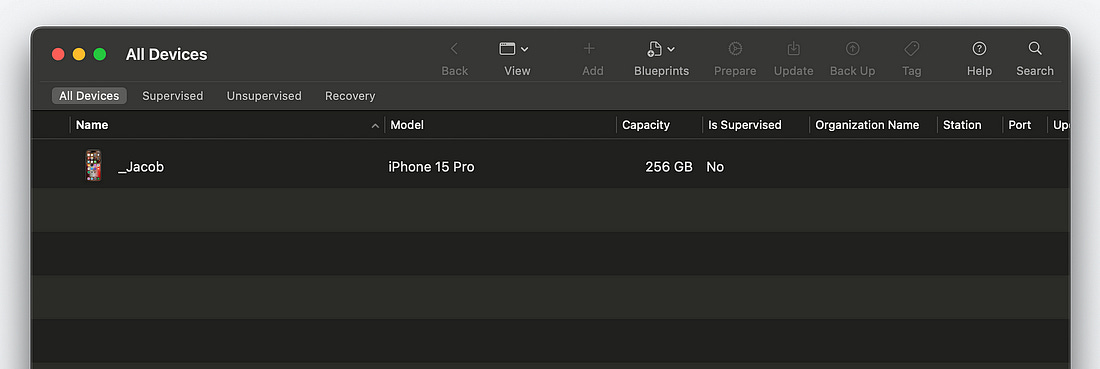
On your Mac, you need to download Apple Configurator. This is a first-party program by Apple designed to help administrate an iOS device fleet across a business or school. It also has a handy secondary function: allowing us to directly access app files on an iPhone, from the Mac. Connect your iPhone with a cable and make sure you see it appear in Apple Configurator.
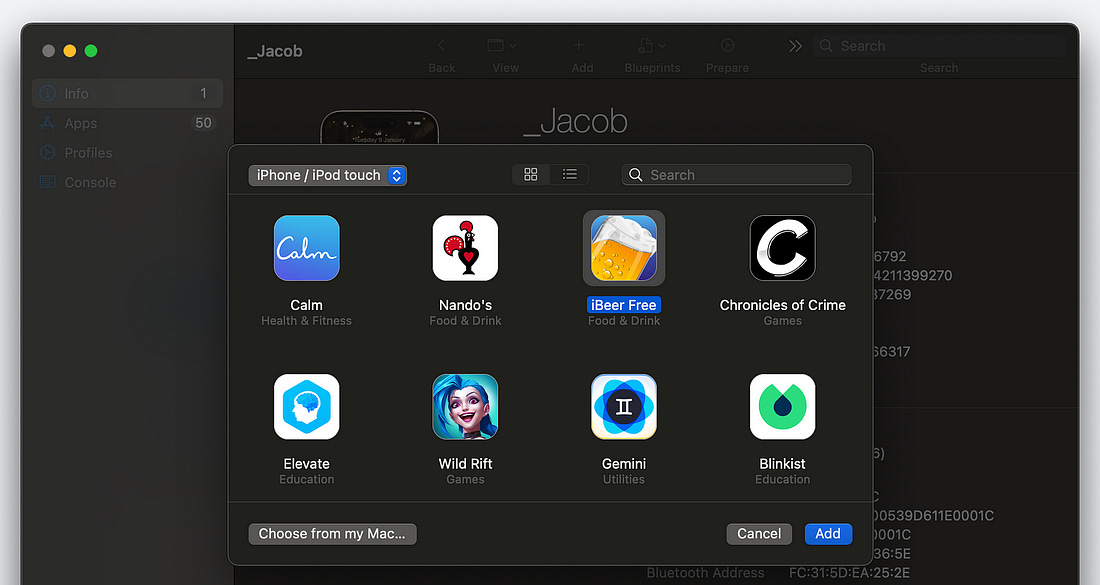
Click on your device, tap “Add”, then “Apps”. You should see a list of all the apps downloaded onto your device*. Now you simply locate the app you want.
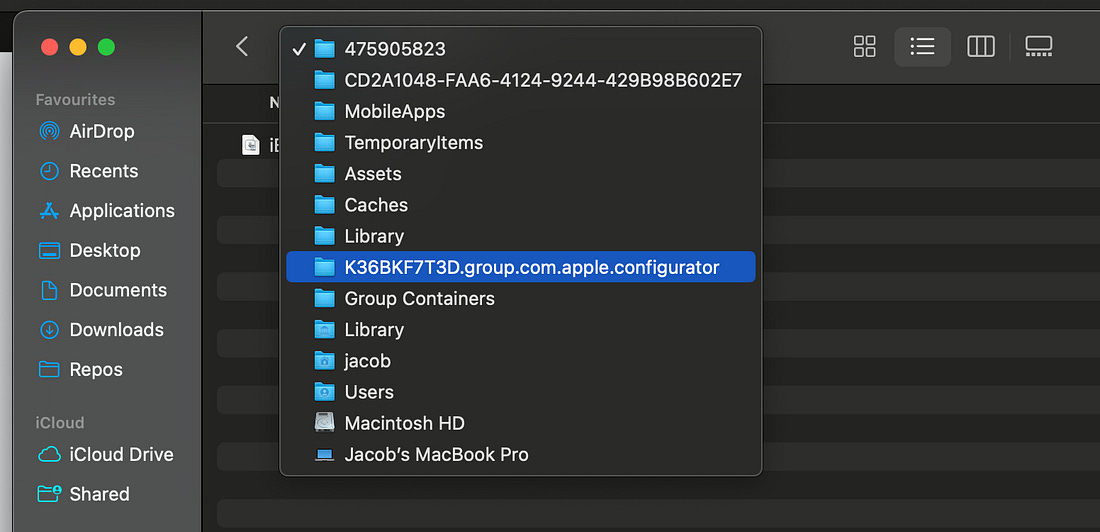
Search in Finder (or better yet, Terminal) for Now locate and open the
In Apple Configurator, with an app selected, you can hit the “Add” button to download it to your Mac. The
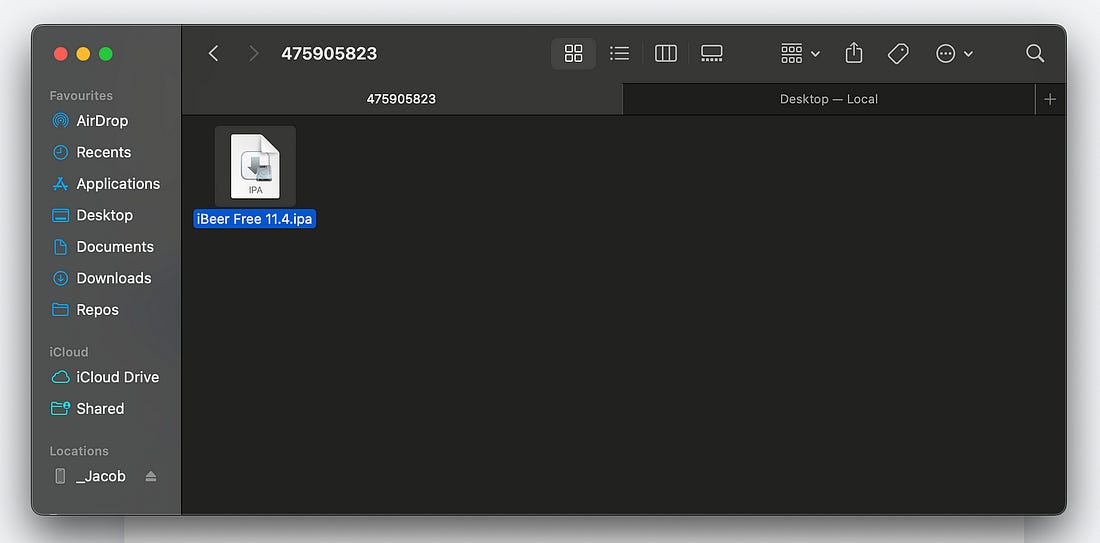
Inspecting the .ipaEven though we now have the
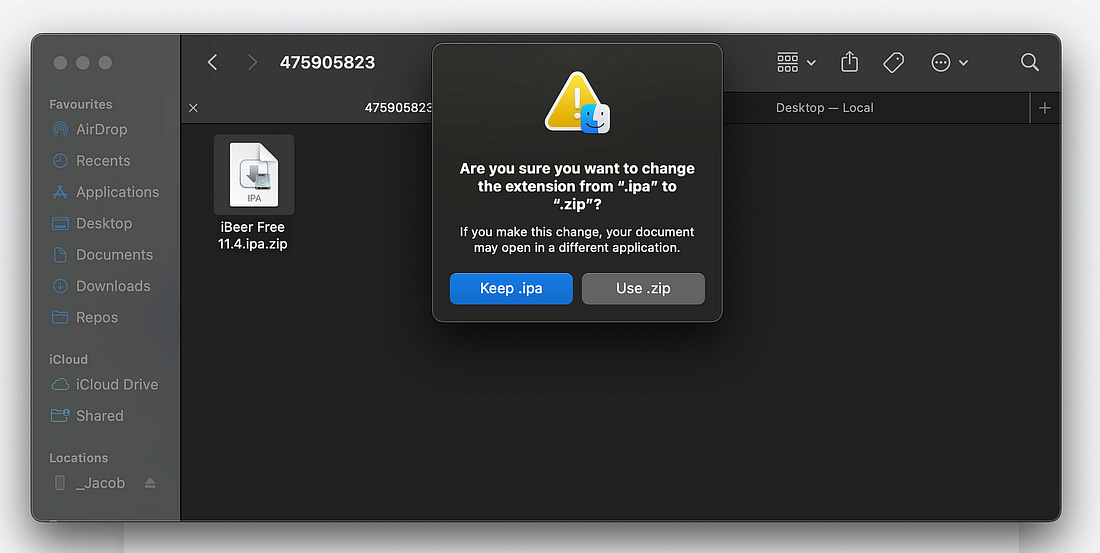
There’s a special trick we can perform to look inside. We just need to understand what an When downloaded, your iDevice uncompresses it into an The trick? Just add a
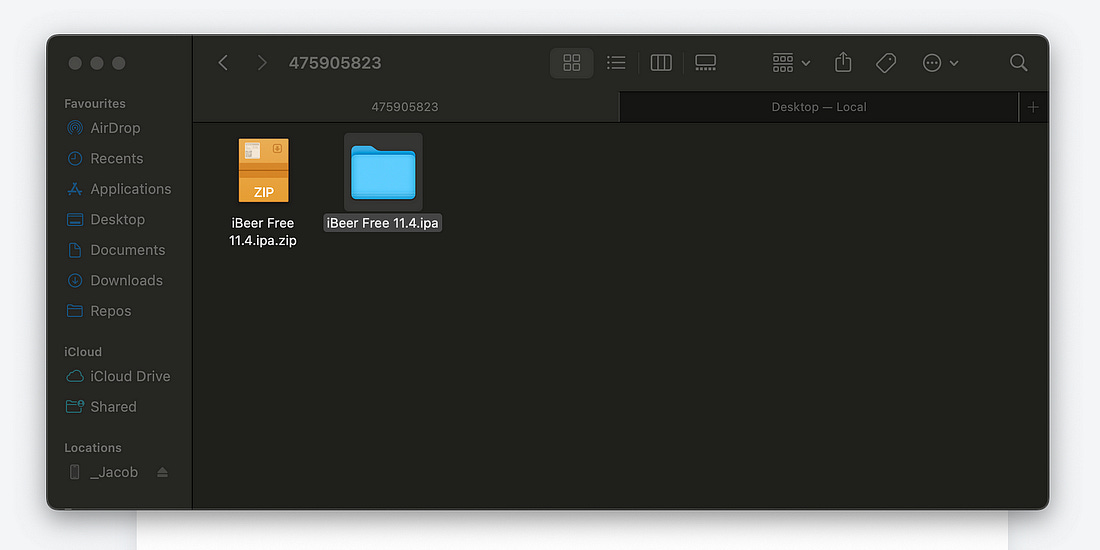
The icon changes and we can simply double-click it to trick the
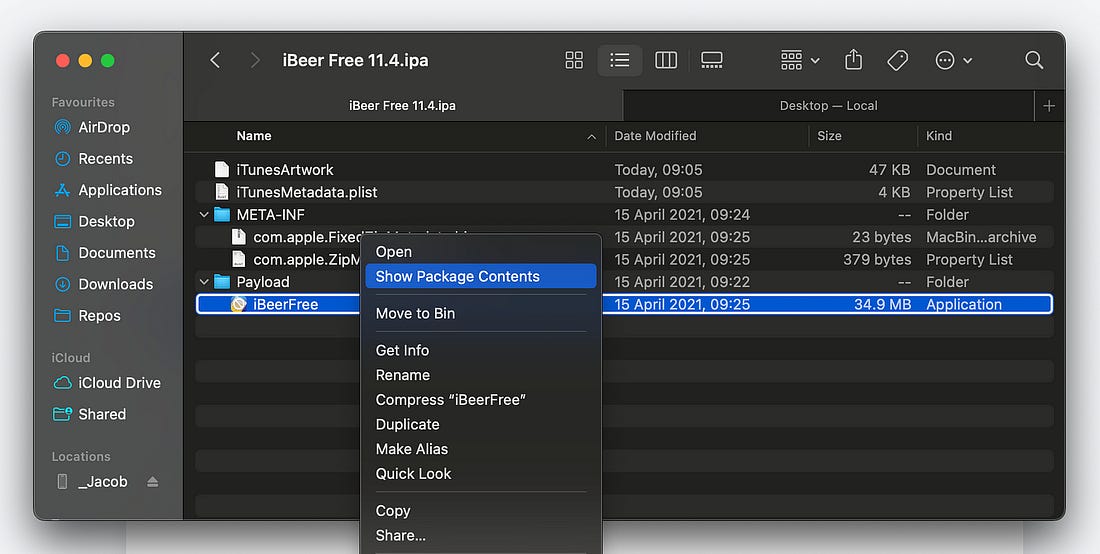
Now we can take a look inside the app. An This is a little easier to inspect: we can right-click and select Show Package Contents.
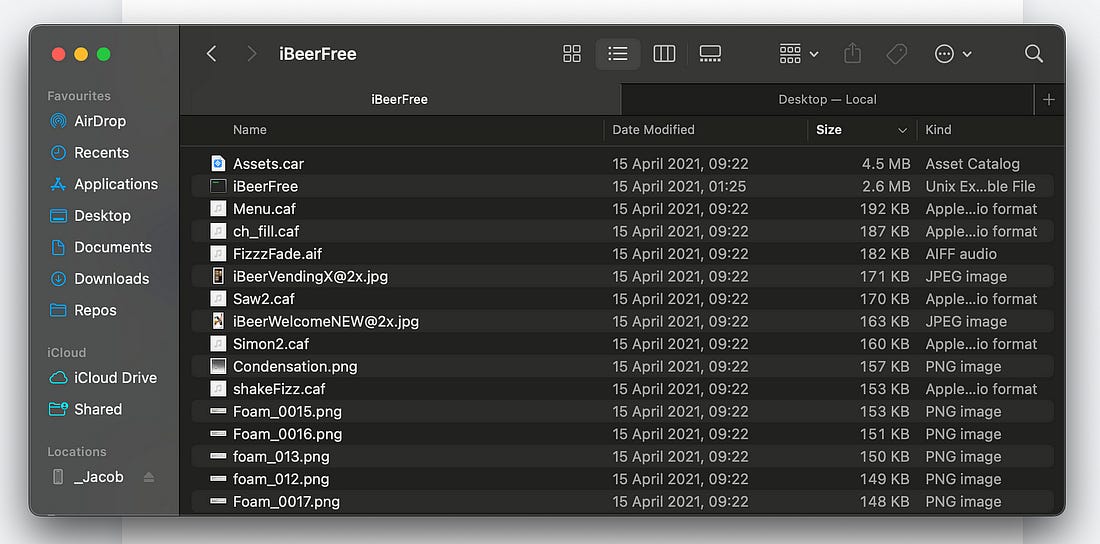
Finally, we can see the files that make up the app we’re looking at.
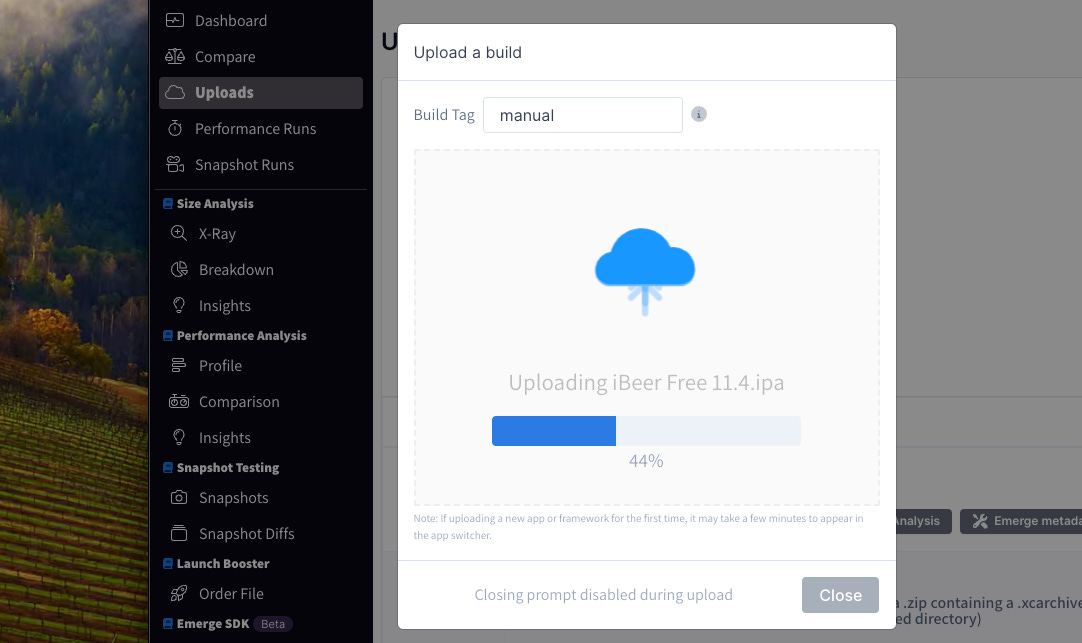
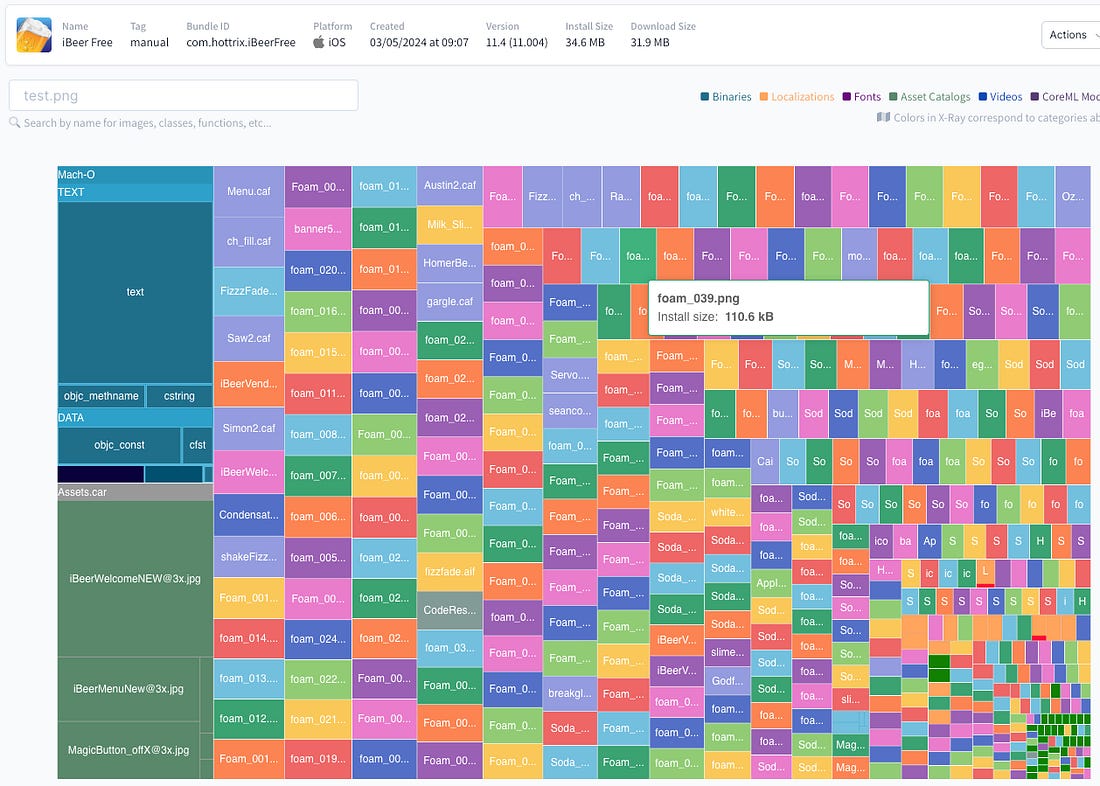
It’s tougher to look inside the assets bundle ( Emerge ToolsIf you want to go a little deeper, look no further than my friends at Emerge Tools. With a free trial account, you can upload the
The secrets of iBeer revealed: we have… Tiny foam bubble
It takes a while to learn to read these X-rays, but you can learn a lot about an app by inspecting them. For example, you can determine:
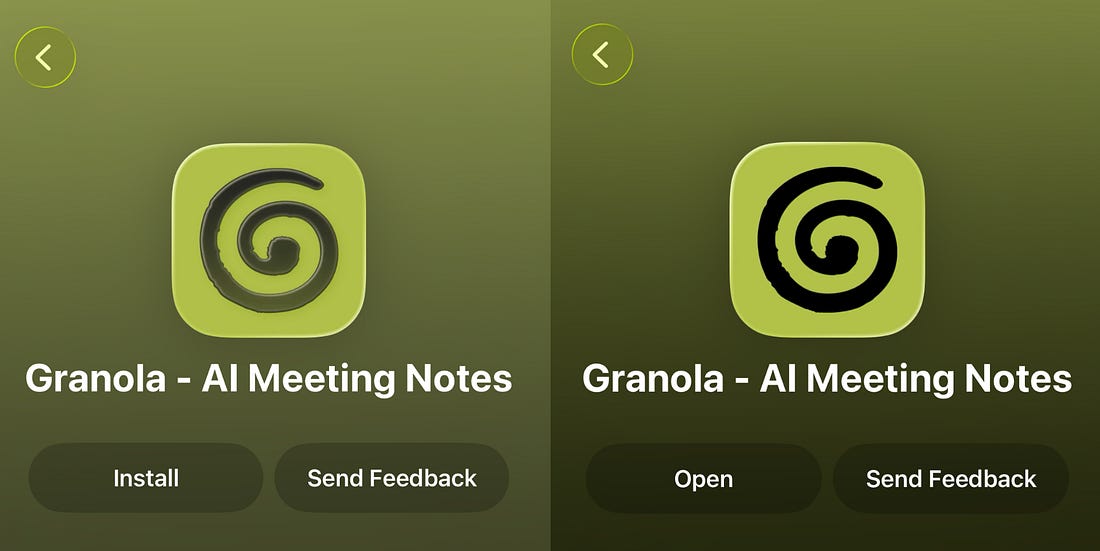
More importantly, once you’re an expert, few things sound better in a job interview than saying something like “I looked at your app bundle, and noticed your NetworkCore module was duplicated — you imported the static library into both the main app & notification share extension. You could re-package the module as a dynamic framework and save 14MB of space.” But, then again, nobody likes a smart-arse. My Latest Use CaseThis technique isn’t limited to job interviews. I used it in the wild this very week, using this blog post as my reference. We started noticing from iOS 26.3 that our app icon gained a weird glassy tint on it, that added an unwanted 3D effect once it landed in App Store Connect. This wasn’t just a mandatory liquid glass issue: other apps like ChatGPT and Claude did not have it. I used this technique to grab the bundles for those two apps, and used agents to hep inspect their app icon designs. Long story short, it was to do with a drop shadow inside the Icon Composer file being rendered weirdly, so we could trivially remove it.
Honestly, we simply wouldn’t have worked out the bug without using this one weird trick. Last OrdersIf you like this post, please do tell me, because I could probably do a whole series on analysing app bundles and subsequent optimisation. Special thanks to Alexey Alter-Pesotskiy, curator of the Mobile Automation Newsletter, who wrote the original article on how to download
Sent from my iPhone
|