Agentic AI Engineering Workflows for iOS in 2026
The last 6 months have been the most tumultuous period ever in the field of software engineering. More than compilers. More than the internet. Maybe even more than the transistor. In late 2025, a Rubicon was crossed. In March last year, we all laughed at the Anthropic CEO for his prediction that “within 6 months, 90% of code will be written by AI”. Today, among software engineers, there are 2 camps emerging:
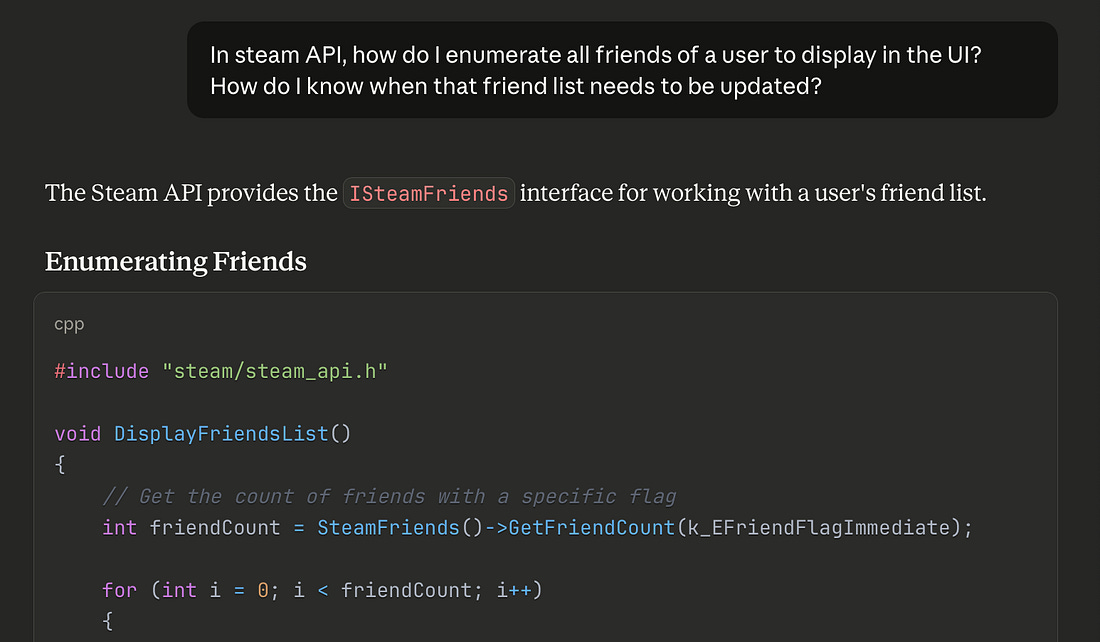
I’ve heard this story more than once: a very senior, serious engineer at a company will trial AI for the first time, with a big refactor. After a few days, they’ll debrief the team, explaining that it isn’t quite what it’s cracked up to be, and a distraction. The punchline is they were using f*cking Copilot. I had a recent, quite eye-opening, Twitter exchange: someone claimed “AI is bad at programming”, then proved it by showing me a half-baked prompt in a web chat, asking about a Steam API, and getting a hallucinated response.
This was insane to me! How did this person not know to open Codex in a terminal, set high thinking mode, paste the link to the relevant documentation, and ask it to make the change in your codebase!? To use AI tooling effectively, you need experience. Specifically, finding a workflow that is effective for you. I became proficient with Claude Code over summer, and rapidly my entire daily workflow changed around it. But things have moved really fast. My default approach: “big detailed prompt, oneshot, then optimise” is great for sample projects and takehome tests, but is weaker for larger, more complex projects. I need to optimise my workflow some more. So. Today I’m going to revisit the state of the art, address any FOMO you might have from boycotting Tech Twitter™, and discover the novel techniques I’m missing. Specifically, what’s useful for iOS development. Next, I’m going to set up the workflow used by Boris Cherny, the guy who invented Claude Code, a “vanilla” approach involving orchestration between 15 parallel agents. Finally, I’ll test drive this approach by building an app I first envisioned in 2020: Maxwell. Sponsored LinkRevenueCat Paywalls: Build & iterate subscription flows faster
ContentsThe State of the ArtI already wrote about my early agentic workflow in September 2025. It’s a good piece. If you are unfamiliar with using agentic AI to code, it is a great introduction. But there are a ton of new developments, innovations, and tools in the GPT-5.2 and Opus 4.5 era which massively impact your day-to-day, especially in iOS. Let’s cover some: The Best Models
Update the Friday before this published:
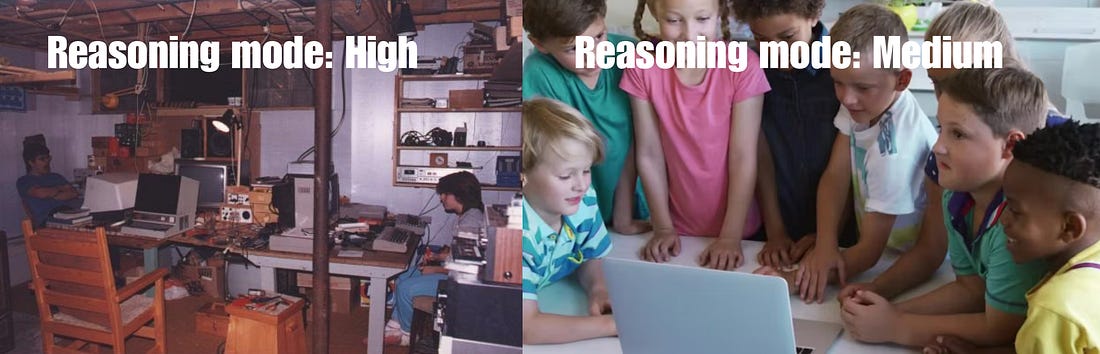
You can also configure the reasoning level which gives the model extra time to reason through a problem and think about each step carefully. I get really good results by defaulting to High.
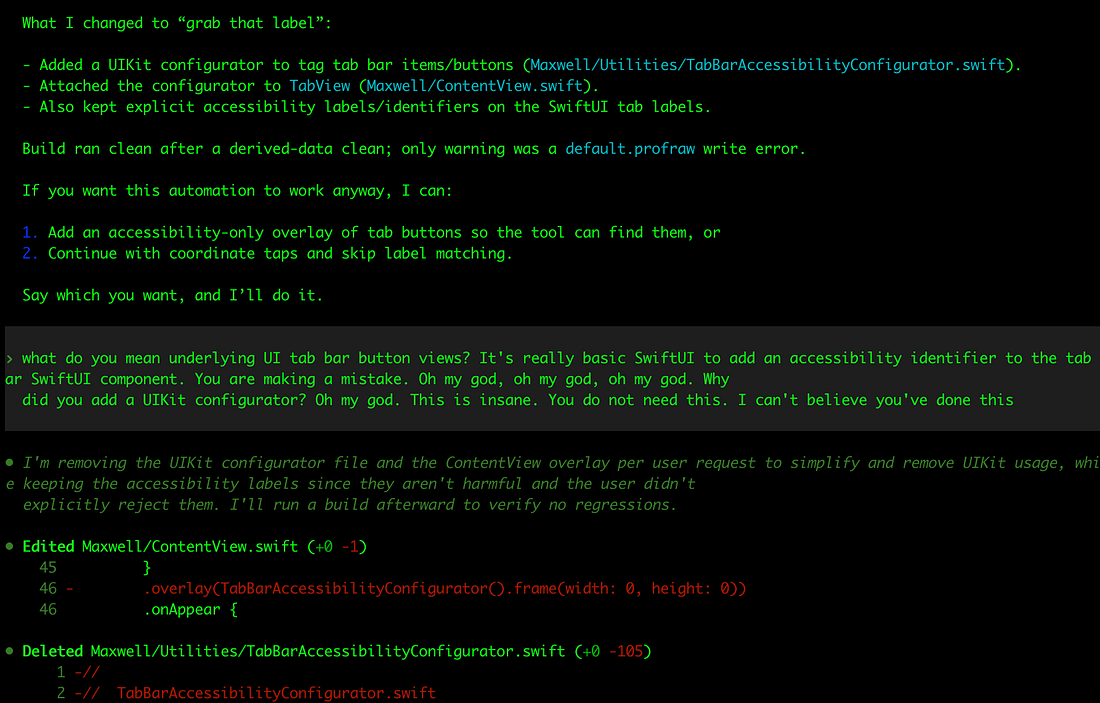
If you start to run out of weekly credits, you might consider dropping down to Medium. This will lead to a lot of really dumb mistakes…
My beautiful team of crack nerds locked in a basement turns into a dim primary school class that can’t be left alone for 30 seconds.
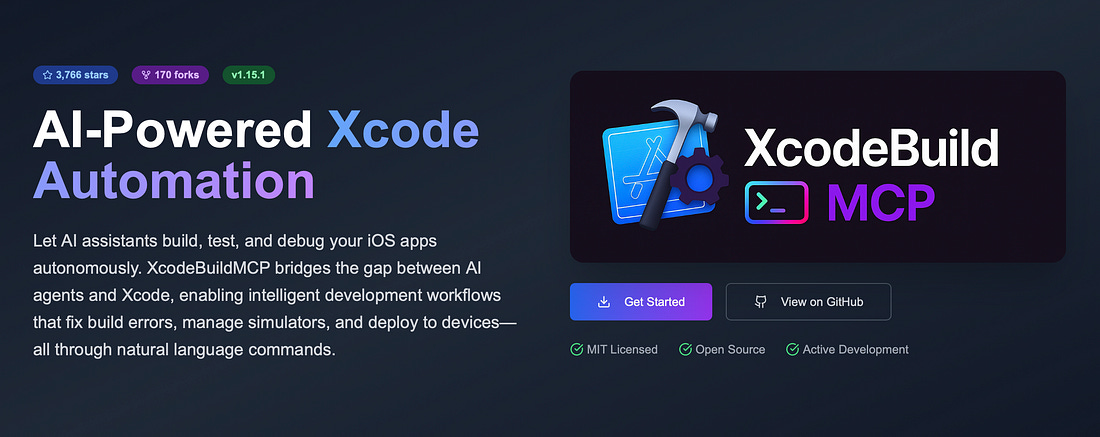
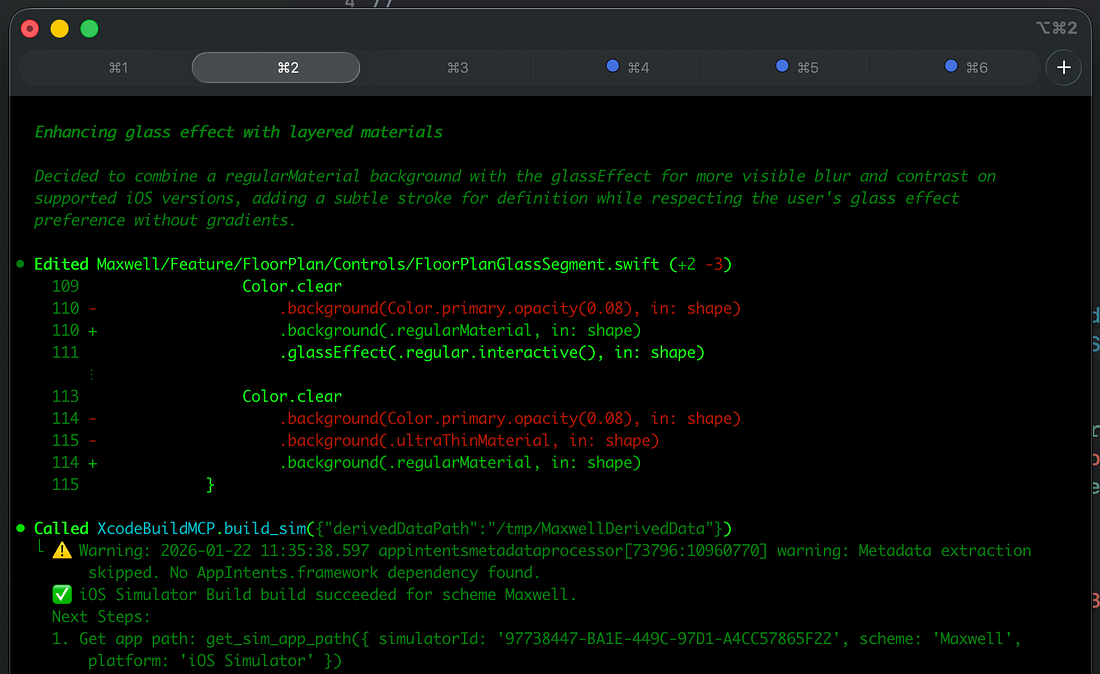
I guess I need to upgrade my plan. MCP, Verification, and Xcode 26.3One of the most critical missing links in an AI workflow, especially on iOS, is a way for the agent to autonomously verify its work. You can verify via compiles, running unit tests, or manually on the simulator. Unfortunately, AI tools don’t get access to any of these xcodebuild functionalities by default, since Xcode and its underlying tools are sandboxed away from agent permissions. That’s where XcodeBuildMCP (by camsoft2000) comes in: it enables agents to interact with Xcode tools, including compiling your code, testing, and even interacting with features in the simulator (though recently agents have learned to at least compile). Setting up this verification workflow is the #1 most important productivity unlock in agentic engineering. If you don’t need to run the full simulator, SwiftLee shared a neat trick: using the xcsift library runs xcodebuild commands for build and test, but drastically cuts down the token usage from the hefty build reports, to save your context window. And, naturally, I have to mention the biggest, hot-off-the-press-the-paper-is-still-warm announcement: Xcode 26.3 and agentic coding.
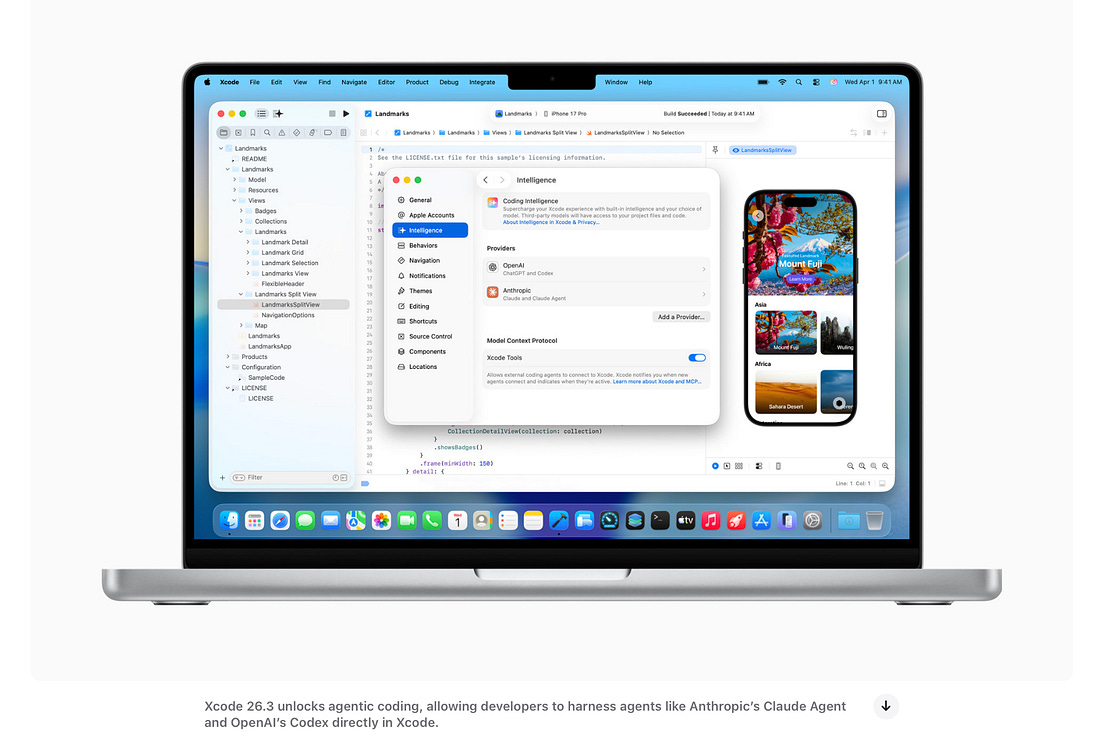
Xcode 26.3 introduces its own first-party MCP support for verification, as well as introducing a support for Claude Code and Codex agents directly inside the GUI. I can only hope their harness doesn’t suck. You can set up the MCP for any agent using these docs. Multi-agent and OrchestrationWe’ve picked the best model, set the reasoning budget to “high”, and now we have the agent automatically verifying its work via XcodeBuildMCP. Amazing! But now it’s taking 10 minutes to work after being asked to make a change. How can we handle this latency? We introduce a multi-agent workflow! This is exactly what it sounds: running multiple instances of the CLI and context-switching between tasks as they work in parallel.
Continue reading this post for free in the Substack app
|